
Check your password safely in your browser. Nothing is uploaded, saved, or shared.
Free tool by CyberSecurityTime.com
Password Strength Checker
Password Strength Checker helps users quickly test whether a password looks weak, fair, or strong before using it on an important account. This tool runs in the browser and gives fast feedback on length, character mix, and common weakness patterns. Stronger passwords matter because weak or reused credentials can increase the risk of account takeover and password spraying. Your site already covers that risk in Credential Stuffing vs Password Spraying and broader security context in Why Cybersecurity Is Important.
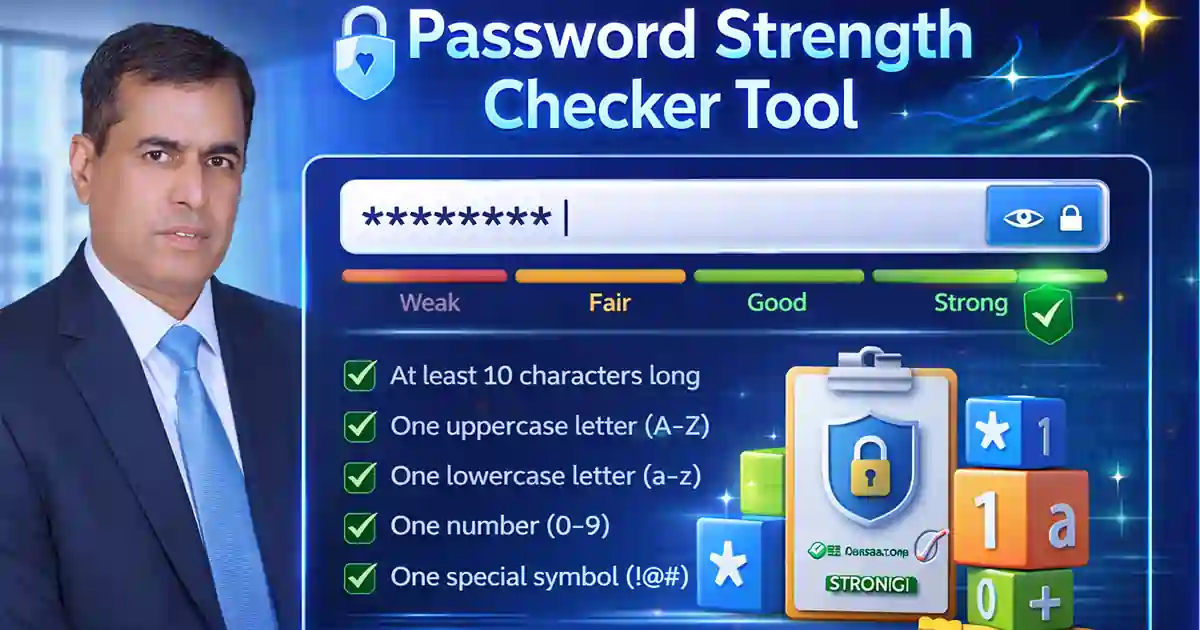
How Password Strength Checker Improves Password Security
This Password Strength Checker helps visitors build better password habits before creating or updating a login. It works best when combined with long unique passwords, MFA, and safer sign-in practices. For internal links, naturally link the phrases Credential Stuffing vs Password Spraying and Phishing-Resistant MFA Checklist inside the content. For external links, use authoritative references such as NIST password guidance and FIDO passkeys guidance to support the advice on stronger passwords and modern authentication.
Use this Password Strength Checker to create safer passwords, avoid predictable patterns, and improve everyday account security.