
Free Public Cybersecurity Tools
Explore free public cybersecurity tools built to help website owners, students, IT teams, small businesses, and everyday users check common online security risks. Use these tools to review SSL certificates, DNS records, email security, suspicious URLs, website headers, domain details, breach exposure, and online safety signals.
Each tool is designed for practical use: enter a domain, URL, email, or security detail, get a clear result, and understand what the result means. The tools are publicly accessible, mobile-friendly, and designed to help users take safer next steps.

Choose a Cybersecurity Tool
Choose a cybersecurity tool based on the risk you want to check. Review website security, DNS records, email safety, suspicious URLs, domain details, password strength, incident response readiness, and common online risk signals.
Free public access. No account required. We do not store your input.
Select a tool below, run a quick check, and follow the result explanation for the next practical step.
1. Website Security Tools
Website SEO Analyzer
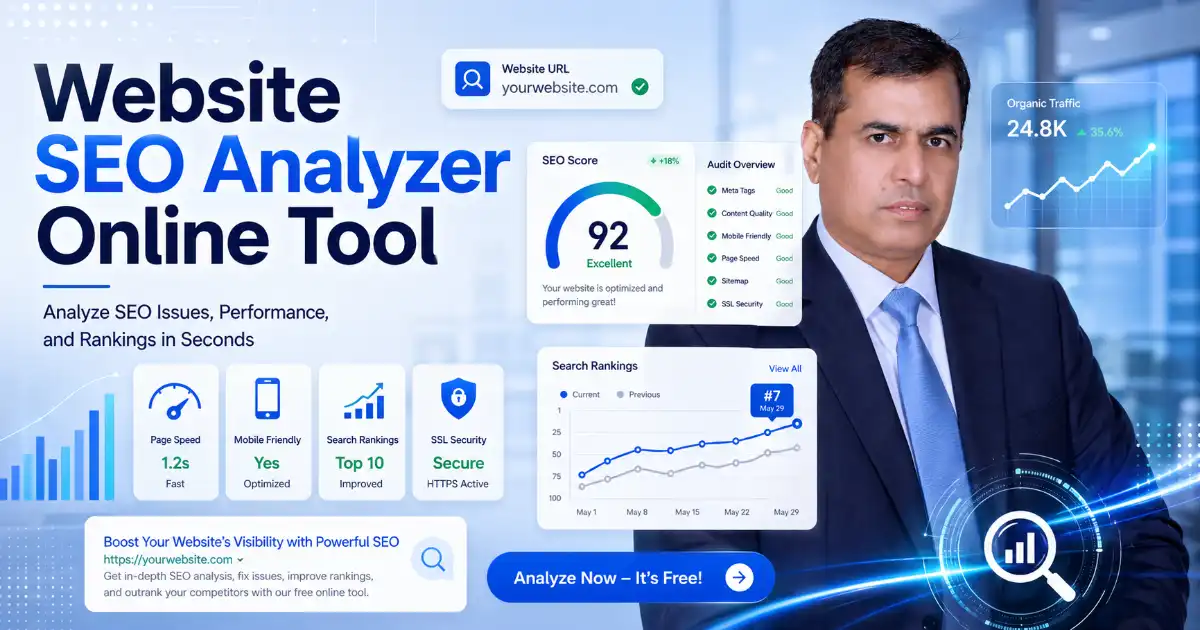
Use the Website SEO Analyzer to check SEO issues, technical errors, and fix recommendations.
AdSense Policy Checker
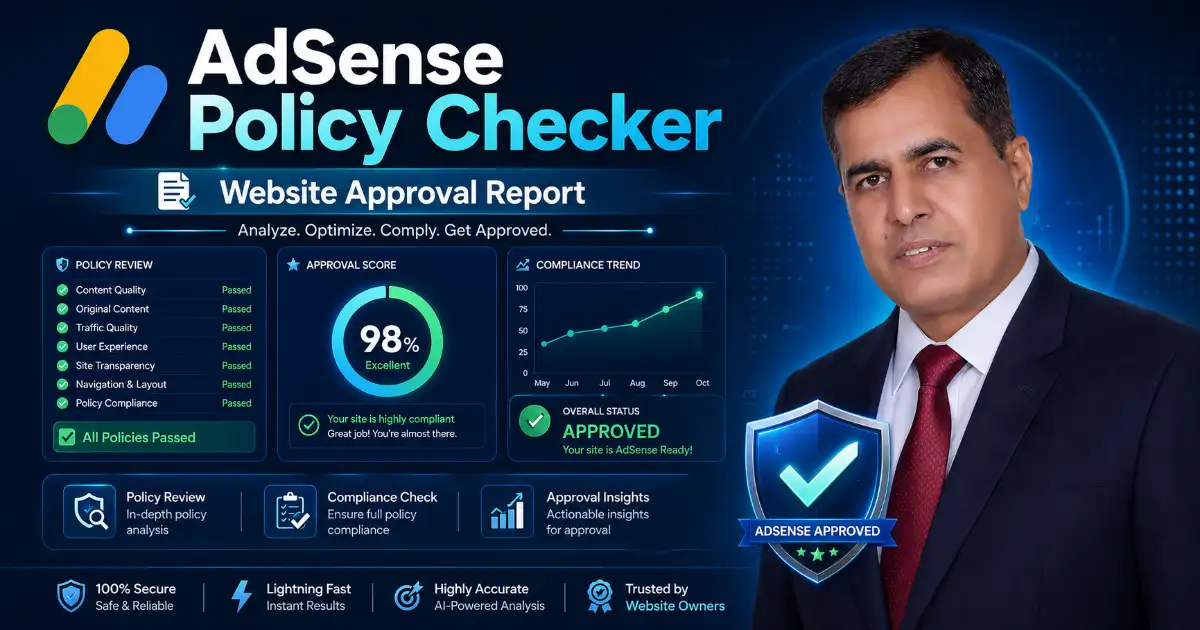
The AdSense Policy Checker shows green, yellow, and red warnings for content, SEO, policy, and user experience issues.
Security Headers Checker

Check important HTTP security headers and understand your website protection status.
SSL Certificate Checker

Check SSL expiry, HTTPS status, issuer details, and common website security issues in seconds.
Password Strength Checker
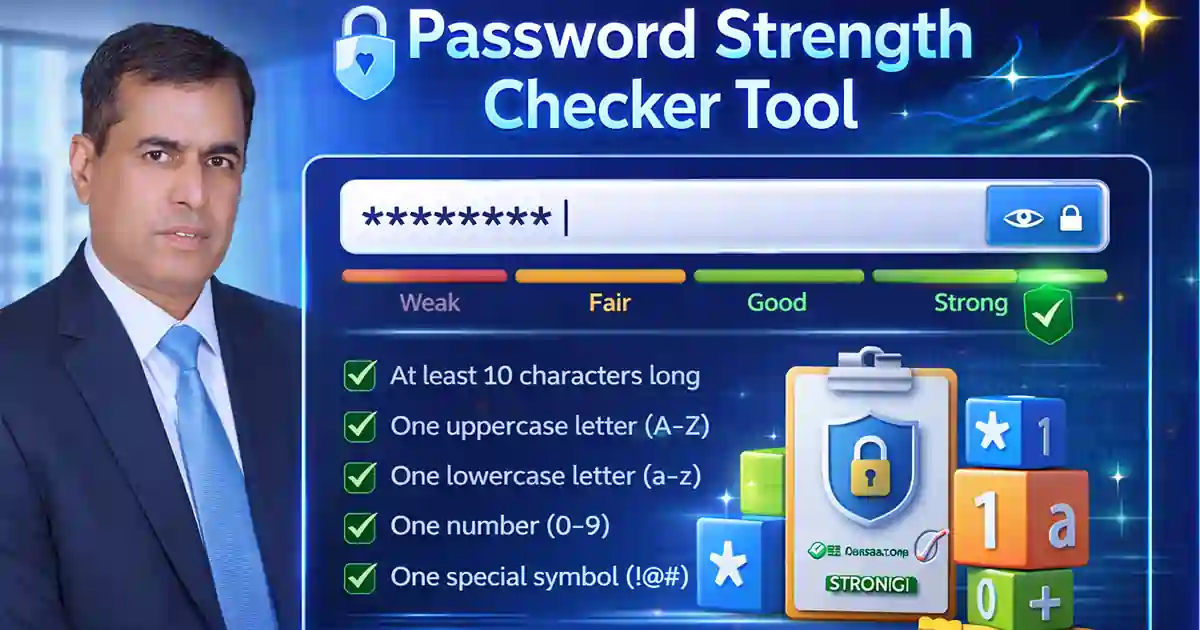
Test password strength instantly with this private browser-based tool and create stronger, safer passwords.
Password Generator
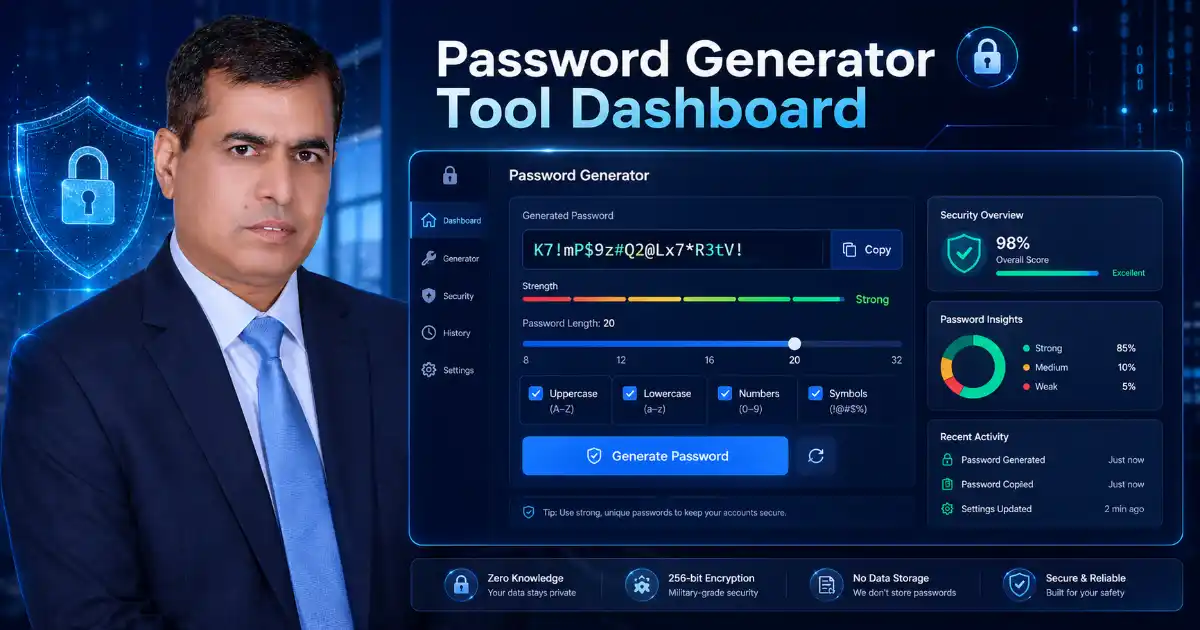
Create strong passwords, passphrases, and PINs instantly with this free online Password Generator.
2. DNS and Domain Tools
DNS Lookup Tool
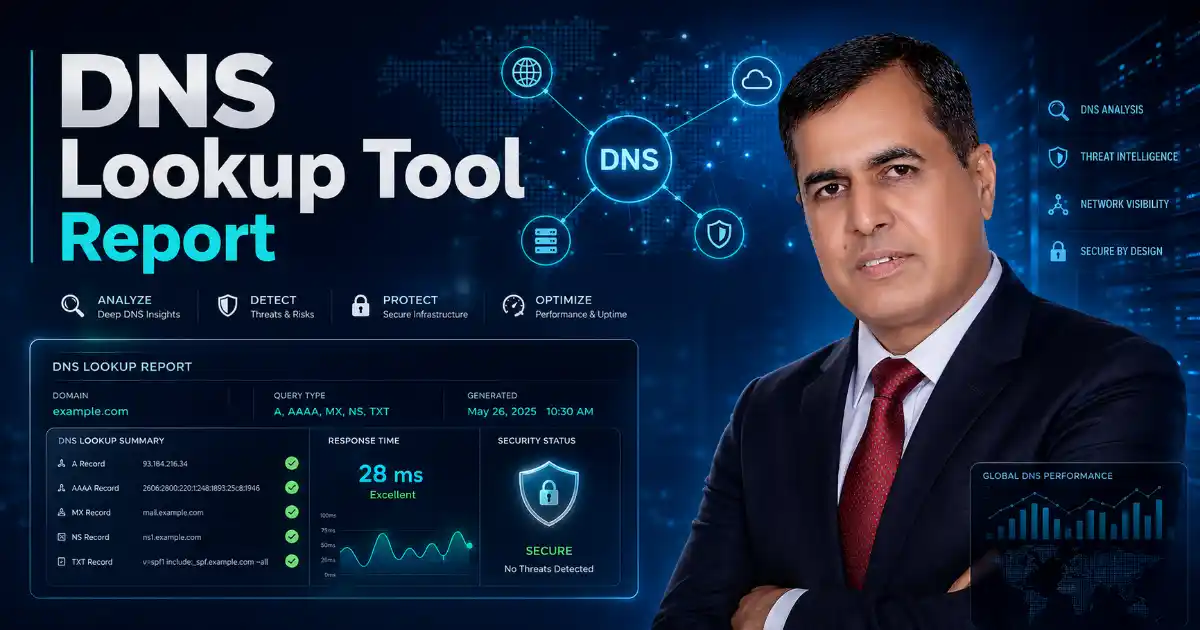
Check DNS records, propagation, email setup, and domain security fast. We do not store your input.
DNS Propagation Checker
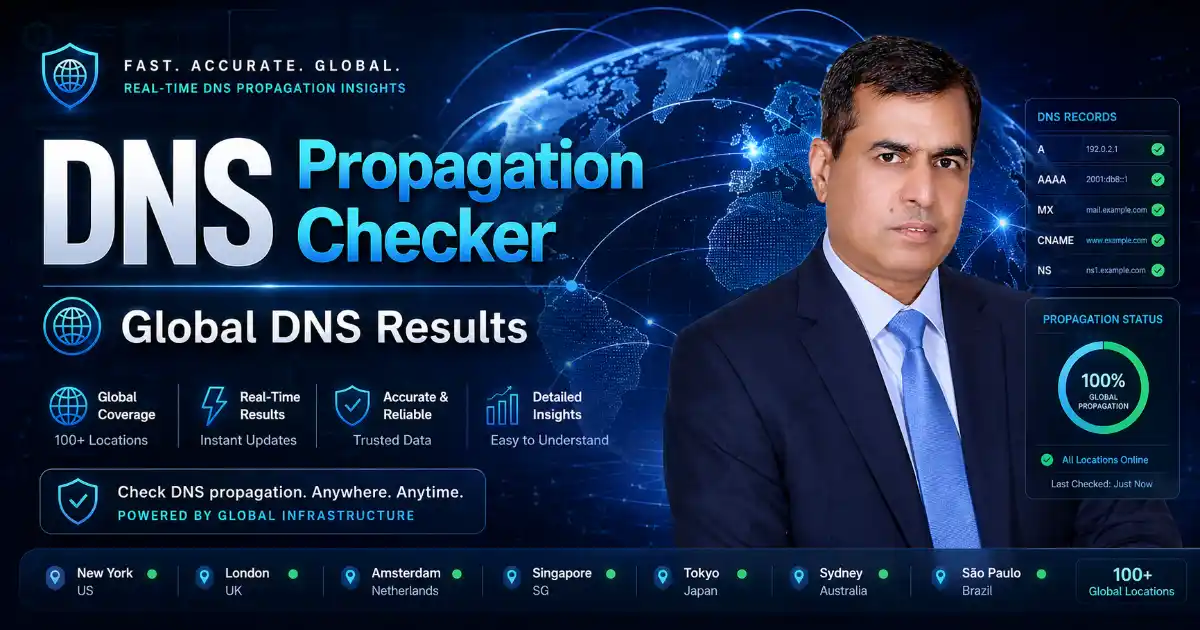
Check your domain DNS records worldwide and see if your DNS changes are updated, still propagating, or not found.
WHOIS RDAP Lookup

Check domain, IP, ASN, registrar, expiry, nameserver, DNSSEC, and abuse contact details in one simple lookup.
What is My IP Address?
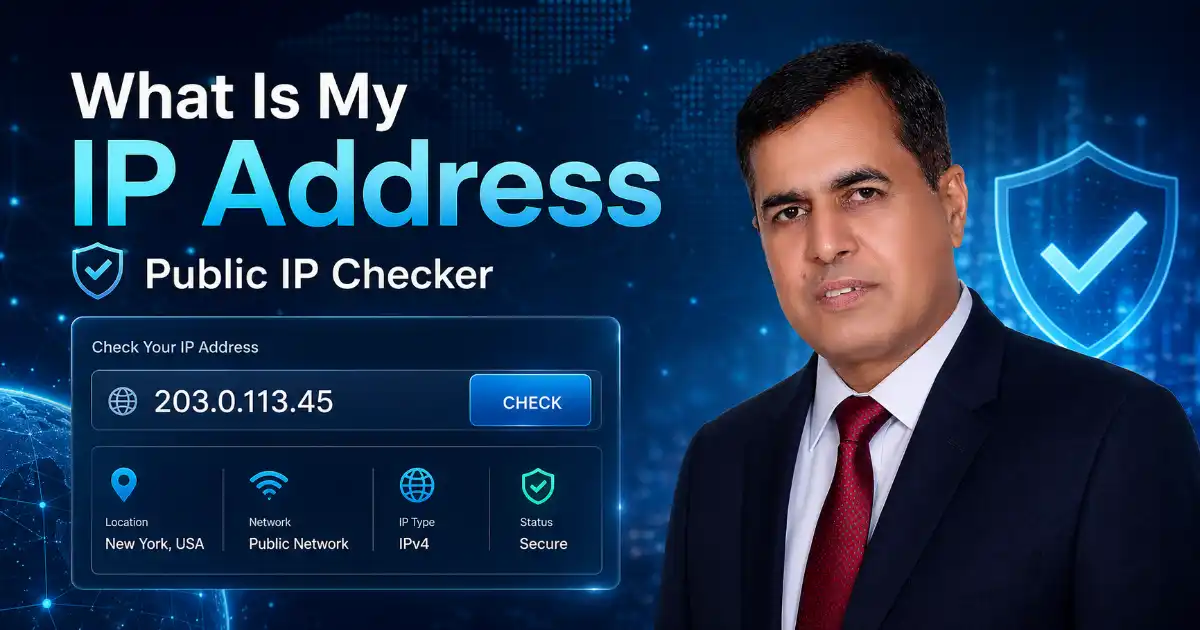
Check your public IP address instantly, copy your IPv4 or IPv6, and troubleshoot VPN, firewall, hosting, or network access issues.
3. Email Security Tools
DMARC SPF DKIM Checker

A simple email security report showing SPF, DKIM, DMARC, MX, BIMI, MTA-STS, and TLS-RPT results.
Email Breach Checker
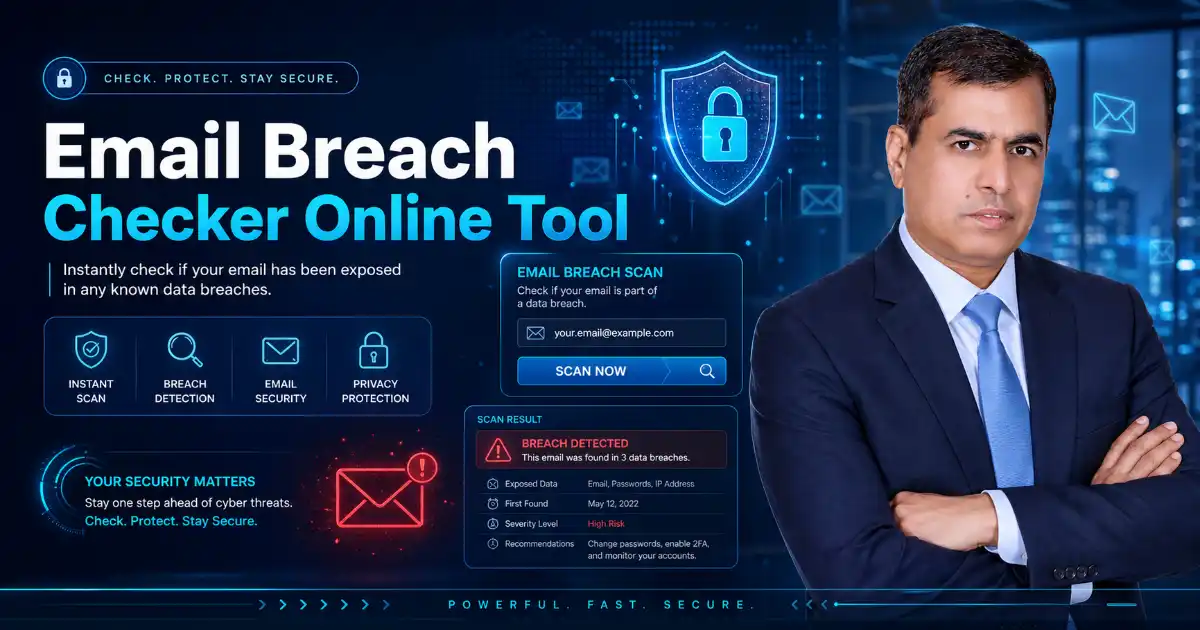
Check if your email was exposed in known data breaches and get clear recovery steps. we do not store your input.
4. URL and Online Safety Tools
Hash Generator

Generate MD5, SHA-1, SHA-256, SHA-512, HMAC, and file checksums online. Fast, free, mobile-friendly.
Base64 Encoder/Decoder

Encode or decode Base64, Base64URL, JWT, Basic Auth, files, and Data URIs instantly. Fast, private, and free.
URL Safety Checker
Check suspicious links, phishing URLs, short links, and unsafe website signals before opening them.
Image Compression Tool
Compress images in a simple, user-friendly way. Upload, preview, optimize, and download smaller files for faster website performance.
5. Incident Response and Risk Tools
Incident Response Planning Tool
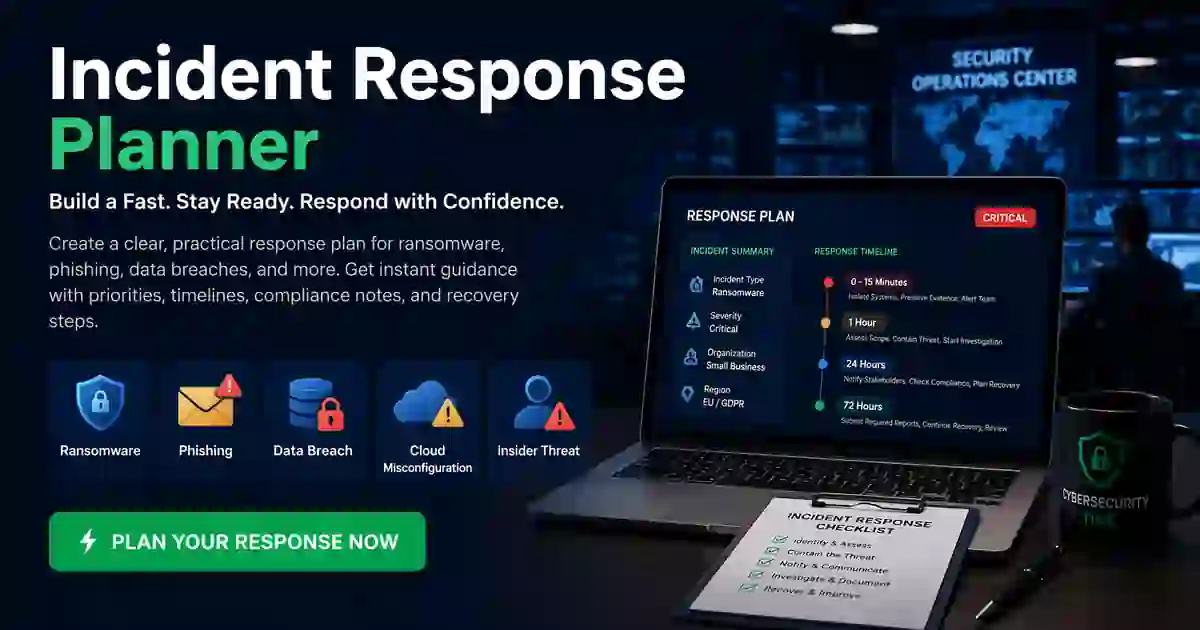
Build a clear, practical response plan for ransomware, phishing, data breaches, cloud misconfigurations, and insider threats.
Breach Reporting Deadline Calculator
Respond faster with a practical tool designed to estimate key reporting timelines after a cyber incident. Built for security, privacy, compliance.
CISA KEV Patch Priority Calculator
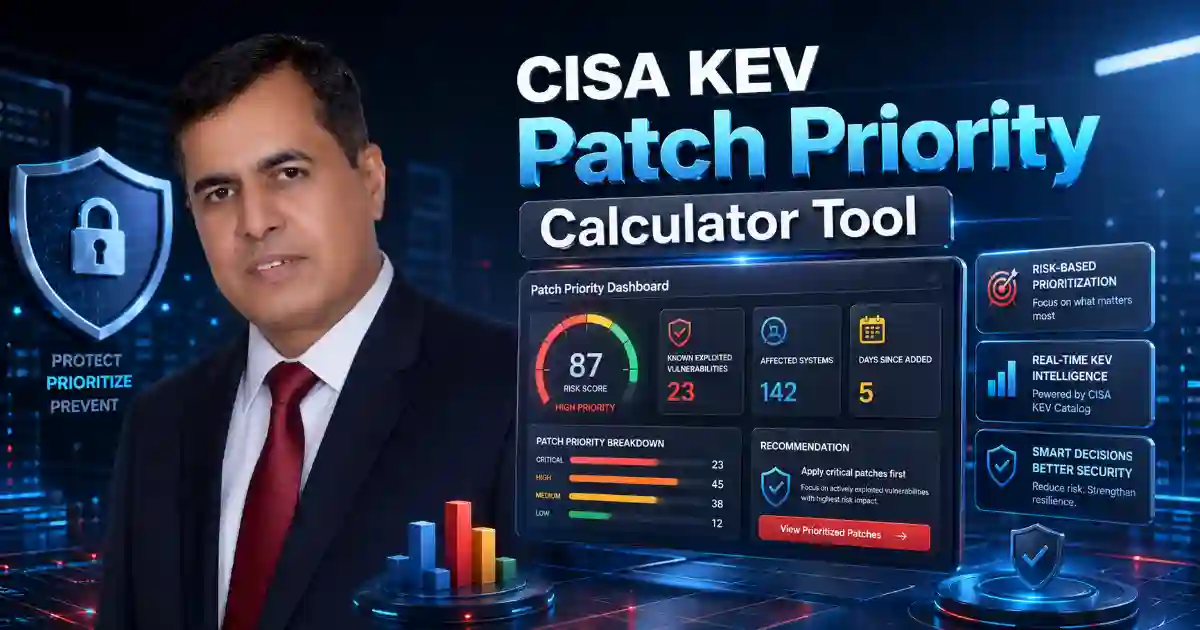
Prioritize exploited vulnerabilities by KEV status, exposure, exploit risk, business impact, data sensitivity, and security controls.
Small Business Cybersecurity Scorecard Tool

Check business cyber risk across MFA, backups, patching, email security, admin access, training, and incident response.
Security Awareness Policy Generator
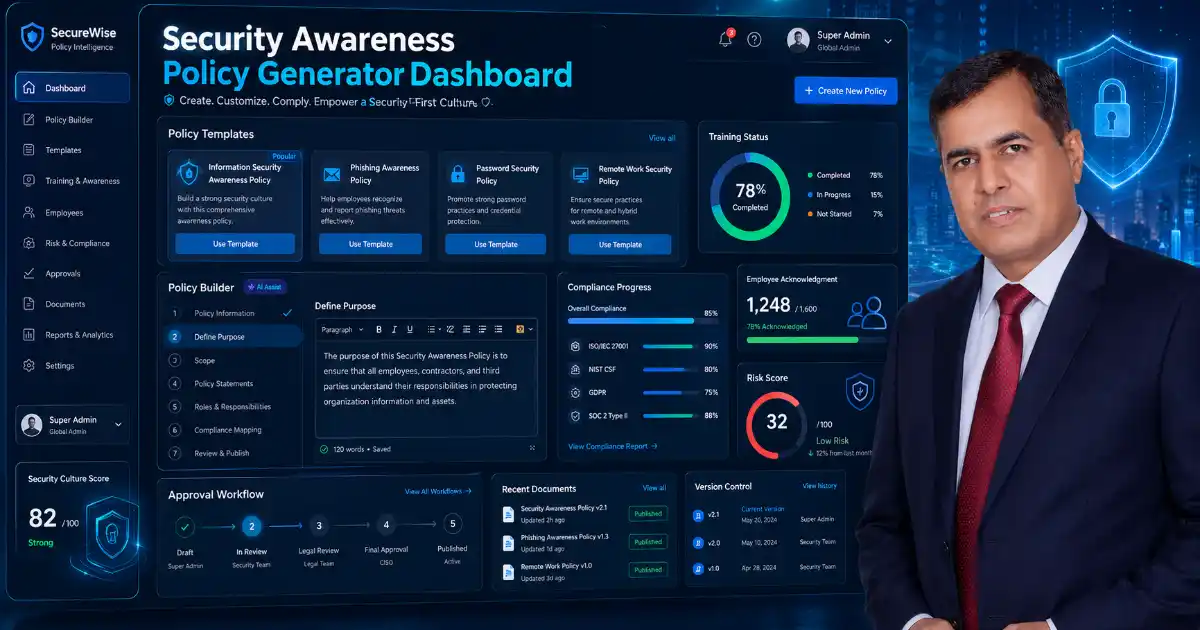
Create security awareness policies for passwords, phishing, remote work, AI use, BYOD, incidents, suppliers, and staff training in minutes.
Vendor Risk Quick Assessment Tool
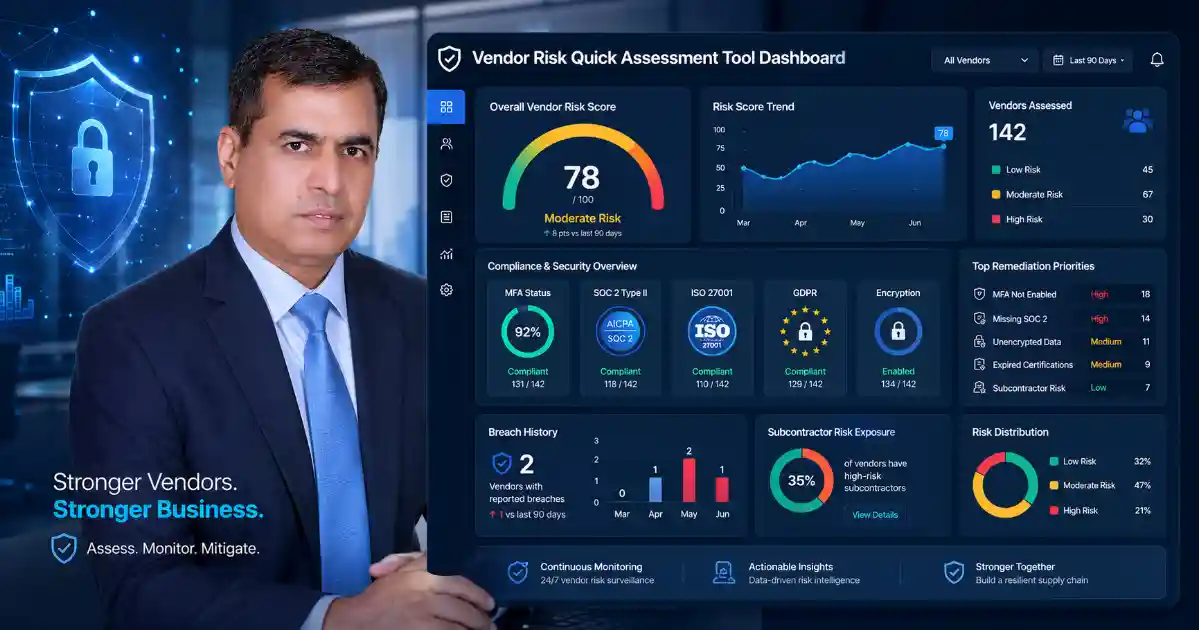
Assess supplier security, compliance evidence, breach history, encryption, and subcontractor risk before trusting a vendor
Data Breach Cost Estimator
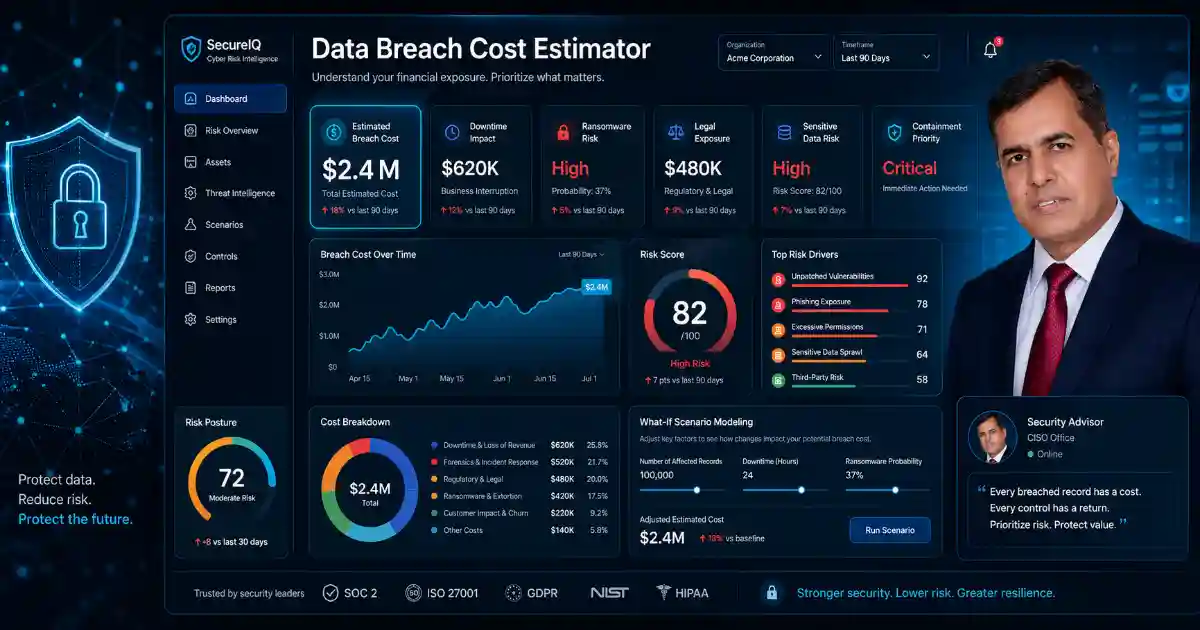
Estimate possible data breach cost, downtime impact, ransomware risk, legal exposure, detection delay, and urgent containment priorities in minutes.
Password Policy Passkey Migration Advisor Tool
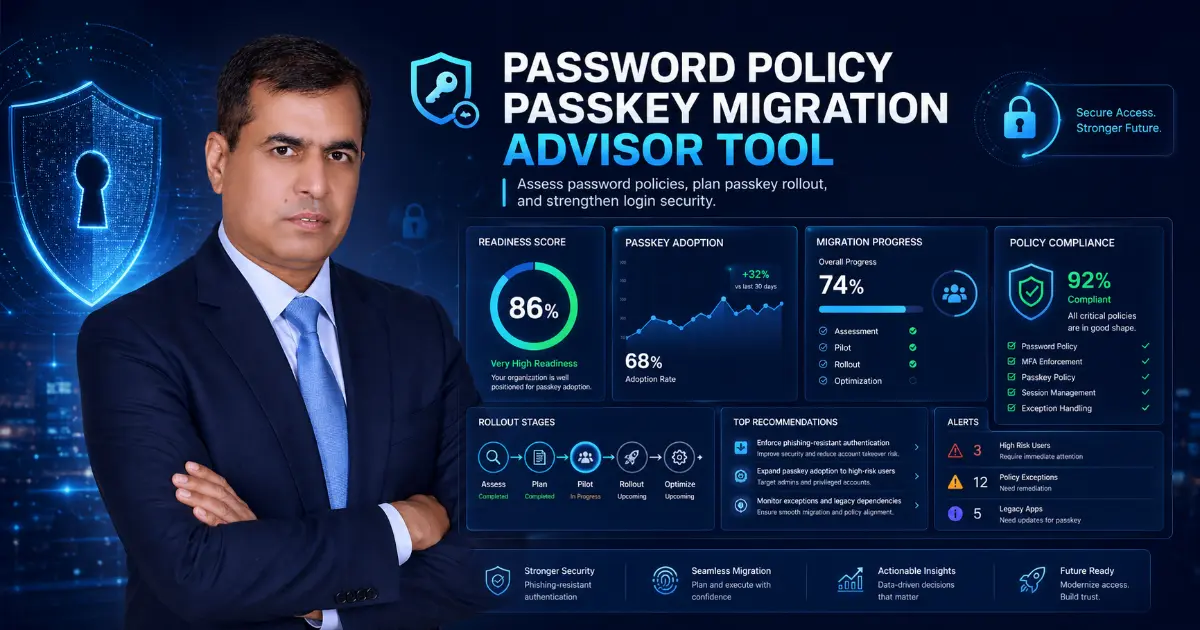
Review your access security and find the safest path to passkeys, FIDO2 keys, authenticator apps, or a hybrid rollout.
Cybersecurity KPI Dashboard Generator
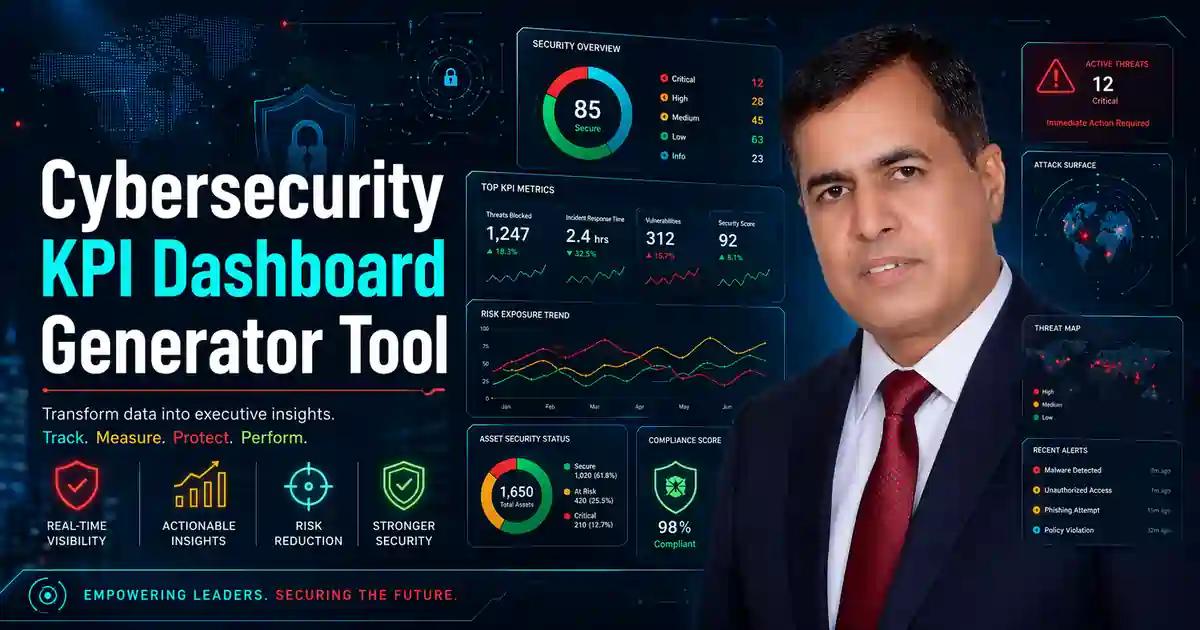
Track MTTD, MTTR, dwell time, patch SLA, phishing failure rate, and critical vulnerabilities in one simple dashboard summary.
6. Network and Access Security Tools
Phishing-Resistant MFA Checker Tool

Check your MFA maturity and find access security gaps, including SMS risk, passkeys, FIDO2, recovery flows, and legacy access.
Why Free Cybersecurity Tools
Good cybersecurity guidance should be useful, not confusing. This tools page is designed to give readers practical resources that support better awareness, faster action, and smarter security decisions.
Important Note
These tools are provided for informational and educational purposes only. They do not replace legal advice, forensic investigation, or professional incident response services.
Frequently Asked Questions
What are cybersecurity tools?
Cybersecurity tools help users check technical security signals such as SSL status, DNS records, email authentication, suspicious URLs, exposed email accounts, password strength, and website security headers.
Do I need technical knowledge to use these tools?
No. Each tool is designed to provide simple results and clear explanations so beginners, website owners, and technical users can understand what the result means.
Why do website owners need these tools?
Website owners can use these tools to find common issues that affect trust, email delivery, website availability, browser security, search visibility, and user safety.
Are these tools safe for public use?
Yes, but users should only enter public information such as domain names, URLs, email addresses for breach checks, or DNS records. Do not enter passwords, admin access details, private keys, or secret tokens.
How often should I check my website?
Check your website after DNS changes, hosting changes, SSL renewal, email setup changes, security plugin changes, or whenever users report website, email, or browser warning issues.