
Original preview
Shown immediately after upload.
Optimized preview
Updates after you generate the compressed file.
Preprocessing
Compression
Your image is processed in your browser. No file is uploaded to our server.
Original preview
Shown immediately after upload.
Optimized preview
Updates after you generate the compressed file.
Preprocessing
Compression
Your image is processed in your browser. No file is uploaded to our server.
Original preview
Shown immediately after upload.
Optimized preview
Updates after you generate the compressed file.
Preprocessing
Compression
Your image is processed in your browser. No file is uploaded to our server.
Original preview
Shown immediately after upload.
Optimized preview
Updates after you generate the compressed file.
Preprocessing
Compression
Your image is processed in your browser. No file is uploaded to our server.
Original preview
Shown immediately after upload.
Optimized preview
Updates after you generate the compressed file.
Preprocessing
Compression
Your image is processed in your browser. No file is uploaded to our server.
Original preview
Shown immediately after upload.
Optimized preview
Updates after you generate the compressed file.
Compression
Your image is processed in your browser. No file is uploaded to our server.
Image Compression Tool
Compress Images in a Simple, User-Friendly Way
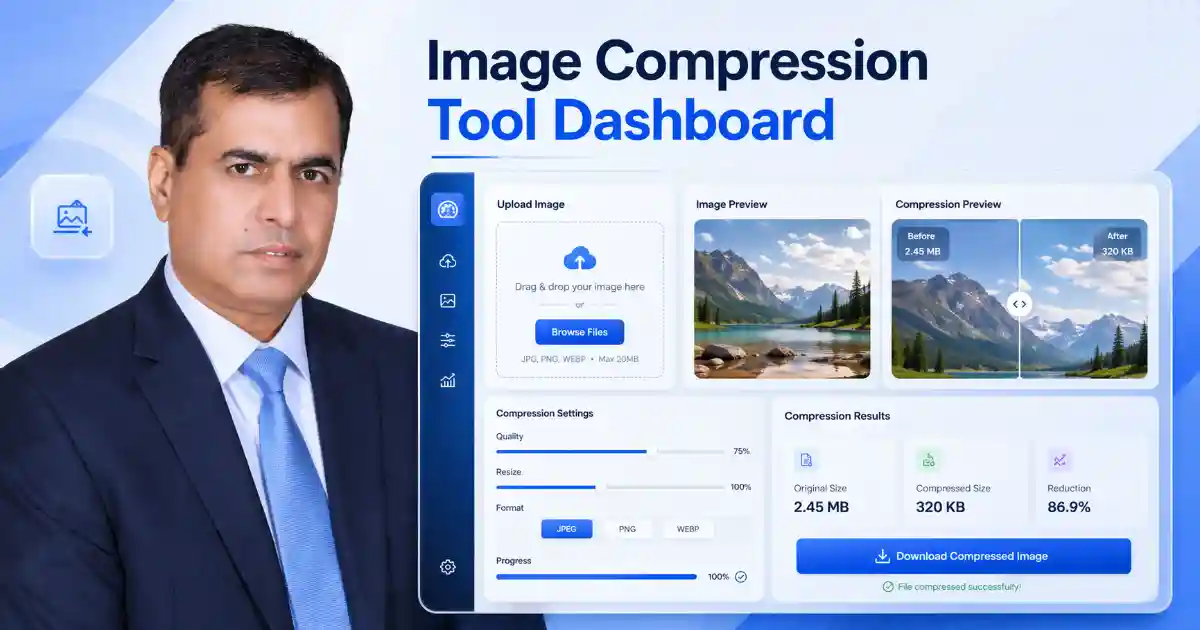
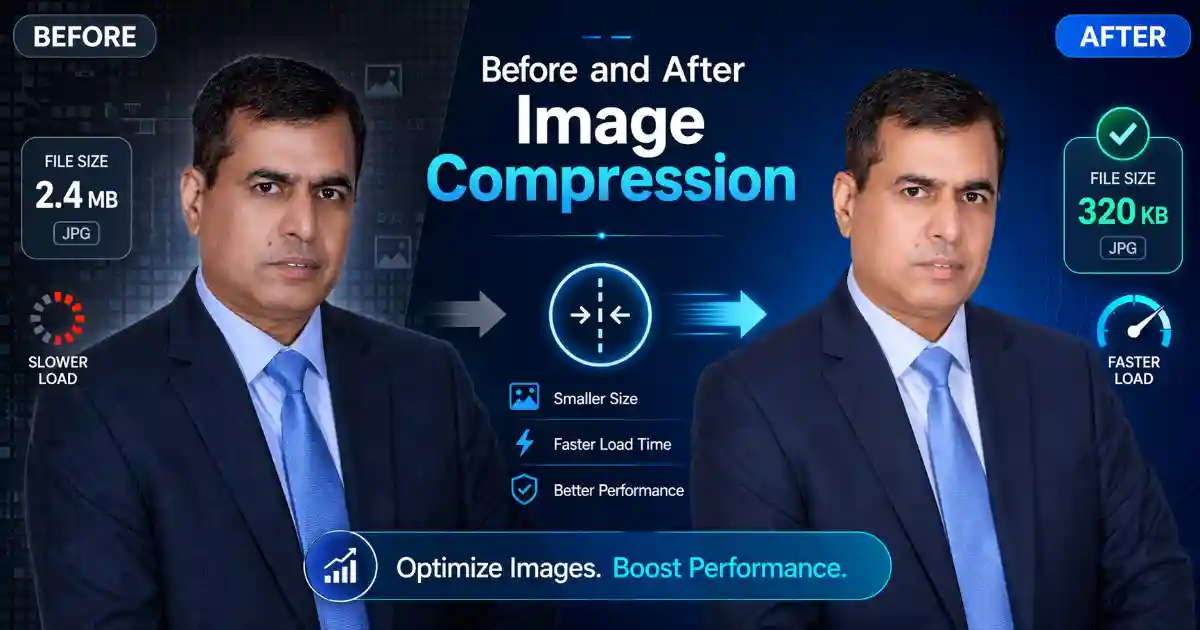
An image compression tool helps reduce image file size so pages load faster and feel cleaner on desktop and mobile. This tool is made for practical public use. Users can upload an image, preview it instantly, optimize it, and download a smaller version for websites, blog posts, landing pages, and online tools. Google recommends clear image context and descriptive image text, while web.dev highlights WebP as a strong format for smaller web images.
This page also fits naturally with other useful resources on Cybersecurity Time, including Free Cybersecurity Tools, Password Strength Checker, Incident Response Planner, and Breach Reporting Deadline Calculator. The site’s tools page already presents these as practical public-use resources.
Related Resources
Readers who use this page may also want to explore Free Cybersecurity Tools for Public Use for more practical tools, Password Strength Checker for account security, and Incident Response Planner for incident preparation. For general image best practices, see Google Search Central: Image SEO Best Practices and web.dev: Use WebP Images
Final Thoughts
A strong image compression tool should be simple, visible, and genuinely useful. Users should be able to upload an image, see the preview immediately, optimize it without confusion, and download the result with confidence. That is what makes a public-use tool page more helpful for readers and stronger for search quality.