
Small Business Cybersecurity Scorecard
Answer a practical checklist and get an instant cybersecurity readiness score with clear next steps.
Category breakdown
Priority actions
30-day improvement plan
- Week 1: Protect email, admin, finance, hosting, and cloud accounts with MFA.
- Week 2: Enable automatic updates and verify backups are running.
- Week 3: Test one backup restore and document incident contacts.
- Week 4: Train staff on phishing, invoice fraud, and reporting suspicious activity.
This scorecard provides general cybersecurity education for small businesses. It is not legal, compliance, insurance, or incident-response advice.
Small Business Cybersecurity Scorecard Tool
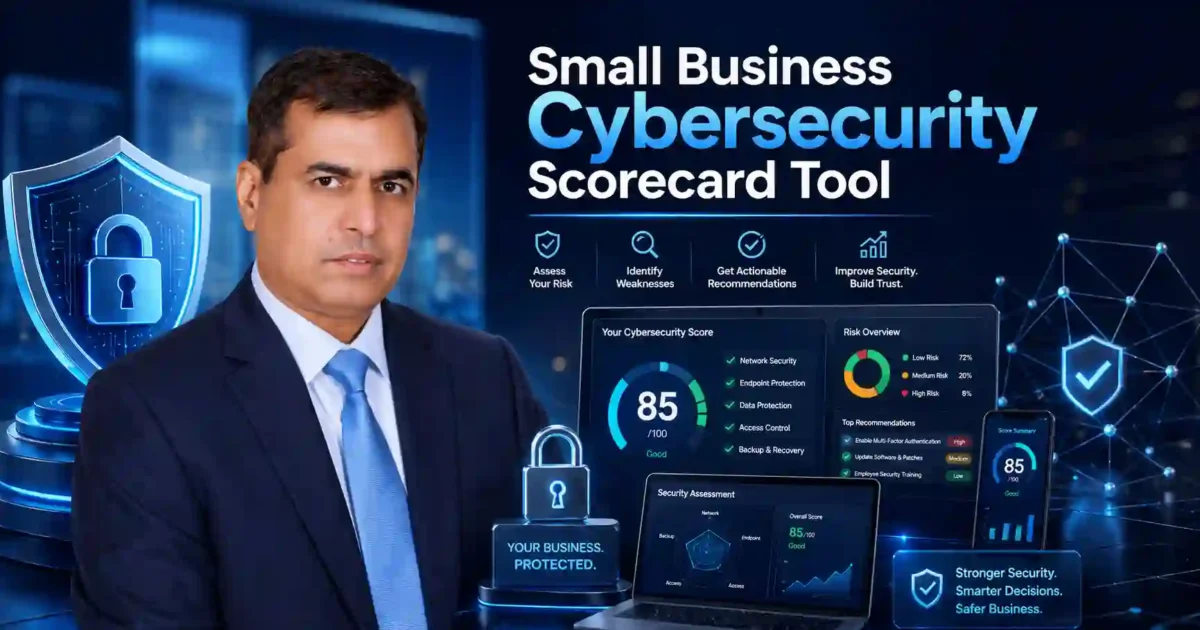
Small Business Cybersecurity Scorecard Tool helps small business owners check cyber risk in a simple, practical, and user-friendly way. Many small businesses use email, websites, cloud apps, online payments, customer data, and remote work tools every day, but they may not know if their basic security is strong enough.
This Small Business Cybersecurity Scorecard Tool gives you a quick way to review important security areas such as multi-factor authentication, backups, patching, endpoint protection, email security, admin accounts, employee training, and incident response. After completing the scorecard, you can see what is working, what is weak, and what should be fixed first.
The goal is not to make cybersecurity complicated. The goal is to help you protect your business, customers, website, accounts, and reputation with clear next steps.
Why Use the Small Business Cybersecurity Scorecard Tool?
The Small Business Cybersecurity Scorecard Tool is useful for business owners, freelancers, startups, agencies, online stores, consultants, and local service providers. It helps you understand common security gaps before they become serious problems.
Small businesses are often targeted through phishing emails, stolen passwords, outdated software, weak website logins, and missing backups. A single compromised account can cause downtime, data loss, financial damage, or loss of customer trust.
This tool helps you answer important questions:
Do you use MFA on important accounts?
Are your backups tested?
Are your devices and apps updated?
Are admin accounts limited?
Can your team recognize phishing emails?
Do you know what to do if your website, email, or cloud account is hacked?
When you can answer these questions clearly, cybersecurity becomes easier to manage.
What the Small Business Cybersecurity Scorecard Tool Checks
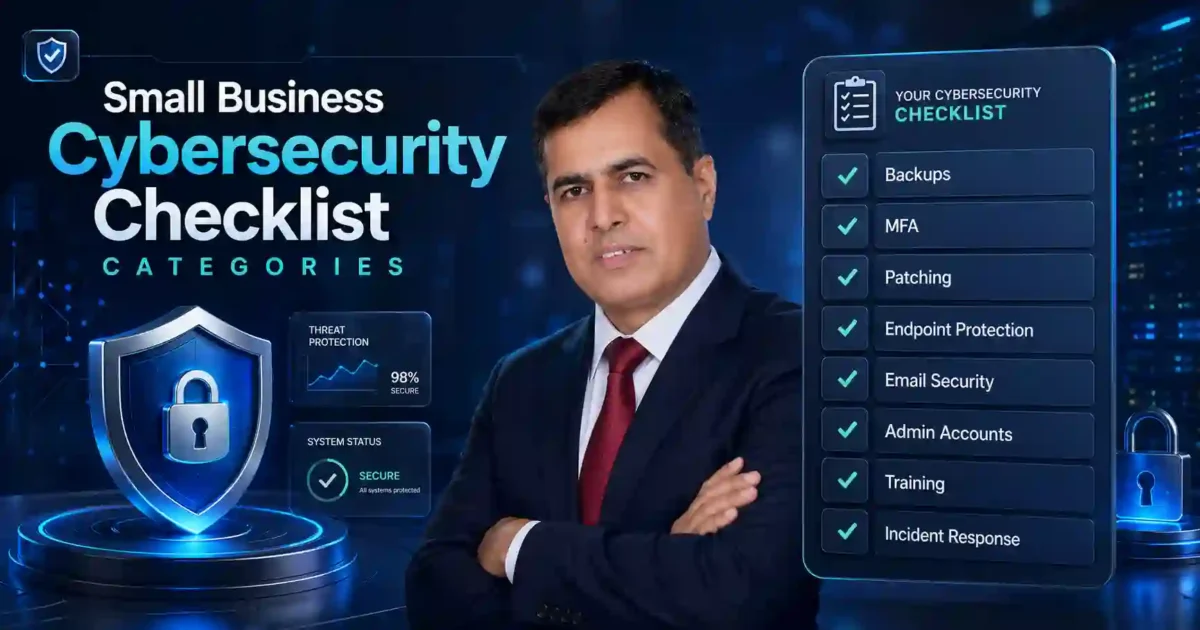
The Small Business Cybersecurity Scorecard Tool checks the most important security areas small businesses should review regularly.
- It reviews backups and recovery to see whether your important data can be restored after deletion, ransomware, device failure, or website problems.
- It checks multi-factor authentication, also called MFA. MFA adds another layer of protection to email, website admin panels, banking, cloud storage, social media, and business software.
- It reviews patching and software updates. Outdated software, browsers, plugins, themes, and operating systems can create easy entry points for attackers.
- It checks endpoint protection for laptops, desktops, and work devices. Business devices should have basic security, screen locks, updates, and protection against malware.
- It reviews email security because phishing is one of the most common ways attackers reach small businesses. Strong email security and staff awareness can reduce this risk.
- It checks admin account safety. Not every user should have full admin access to your website, hosting, payment tools, or cloud systems.
- It also reviews employee training and incident response planning. Even a simple written plan can help your business respond faster during a security issue.
How to Use Your Score
Your score gives you a quick view of your cybersecurity readiness. A low score means your business may have important weaknesses that should be fixed soon. A medium score means your business has some protection, but key gaps may remain. A high score means your basics are stronger, but regular review is still important.
Do not treat the score as a certificate or guarantee. Treat it as a practical guide. The real value is in the recommendations. Start with the weakest areas and improve step by step.
Recommended Fixes After Using the Scorecard
After using the Small Business Cybersecurity Scorecard Tool, start with the actions that reduce the most risk.
First, enable MFA on email, website admin, hosting, banking, cloud storage, and social media accounts. Second, test your backups and confirm that important files can be restored. Third, update WordPress, plugins, themes, browsers, and business software. Fourth, remove old users and reduce admin permissions. Fifth, train your team to report suspicious emails. Sixth, create a simple incident response checklist.
You can also use these helpful tools on Cybersecurity Time:
Password Strength Checker
Phishing-Resistant MFA Readiness Checker
Cybersecurity KPI Dashboard Generator
Cybersecurity Tools
Trusted Cybersecurity Resources
For further reading, use trusted external resources such as NIST Small Business Cybersecurity, CISA Cyber Essentials, and FTC Cybersecurity for Small Business. These resources explain practical cybersecurity steps for small businesses and support the main topics covered in this scorecard.
NIST Small Business Cybersecurity
CISA Cyber Essentials
FTC Cybersecurity for Small Business
Final Thoughts
The Small Business Cybersecurity Scorecard Tool gives small businesses a simple way to understand cyber risk without confusion. It helps you move from guessing to action.
Use the tool, review your score, and start with one improvement today. Enabling MFA, testing backups, updating software, protecting admin accounts, and training your team can prevent bigger problems later.
Start the Small Business Cybersecurity Scorecard Tool now and find the most important security fixes for your business.