15 Best Public-Facing Application Security Checklist Steps
A strong public-facing application security checklist helps organizations reduce exposure across websites, APIs, customer portals, dashboards, and other internet-facing systems. Public applications are continuously scanned by attackers looking for weak authentication, outdated software, exposed admin paths, missing security headers, and insecure APIs. For broader practical guidance, readers can also explore Cybersecurity Time.
This guide sets out a practical public-facing application security checklist for security teams, developers, system administrators, and business owners. It also includes related resources for deeper reading, including the OWASP Top 10, OWASP Web Security Testing Guide, NIST Cybersecurity Framework, and CISA Secure by Design.
Table of Contents
Why a Public-Facing Application Security Checklist Matters
A public-facing application security checklist gives organizations a repeatable process for reviewing systems that are reachable from the internet. Without a checklist, common weaknesses are often missed during deployments, upgrades, plugin changes, infrastructure migrations, and emergency fixes. A practical internal companion for this topic is How to Reduce Cybersecurity Detection Time, which is already live on your site.
Public-facing systems usually fail in ordinary ways: weak passwords, missing MFA, outdated dependencies, unsecured admin routes, poor log visibility, and third-party integrations with too much access. A mature review process lowers this risk and improves consistency over time.
1. Inventory All Public-Facing Assets
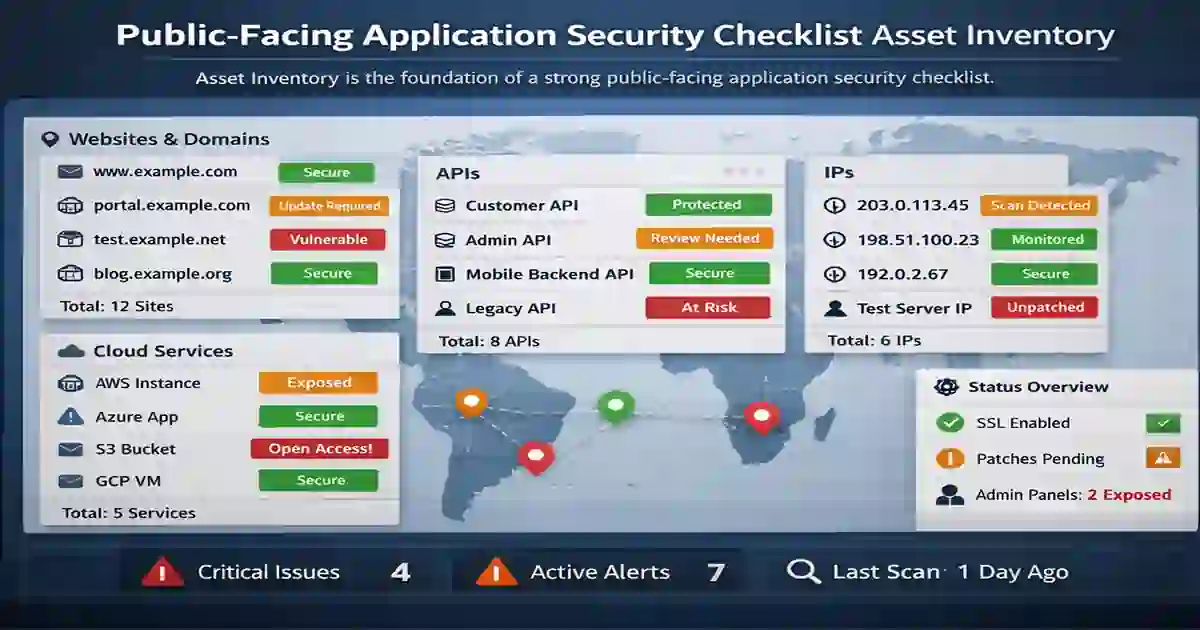
The first step in any public-facing application security checklist is knowing exactly what is exposed to the internet. Your inventory should include:
- websites
- subdomains
- customer portals
- public dashboards
- APIs
- cloud-hosted applications
- mobile backends
- public IP addresses
- vendor-managed exposed services
- staging environments left public
Every exposed asset should have a named owner, a business purpose, and a review status. If a system is internet-accessible but not tracked, it becomes a hidden risk.
2. Enforce Strong Authentication and Access Control
Weak authentication remains one of the biggest causes of compromise. A secure public-facing application security checklist should include:
- multi-factor authentication for privileged users
- strong password rules
- brute-force protection
- account lockout or throttling
- inactive account cleanup
- least-privilege access design
- clear separation between user and admin roles
Administrative interfaces should always receive stronger protection than normal user-facing pages.
3. Patch Software, Plugins, and Dependencies
Outdated software remains one of the easiest entry points for attackers. Your public-facing application security checklist should include patching across the full stack:
- operating systems
- web servers
- CMS platforms
- frameworks
- plugins
- themes
- libraries
- third-party packages
- container images
Many organizations also rely on centralized security tools and resources to support testing, monitoring, and remediation across public-facing applications.
4. Use HTTPS and Strong TLS Settings
Every public-facing system should use HTTPS by default. Transport security is a core part of any public-facing application security checklist.
Review these controls:
- redirect HTTP to HTTPS
- use valid SSL/TLS certificates
- disable outdated protocols
- disable weak cipher suites
- protect cookies with Secure and HttpOnly flags
- monitor certificate expiration
TLS helps protect data in transit and is a basic requirement for internet-facing services.
5. Validate Input and Block Common Web Attacks
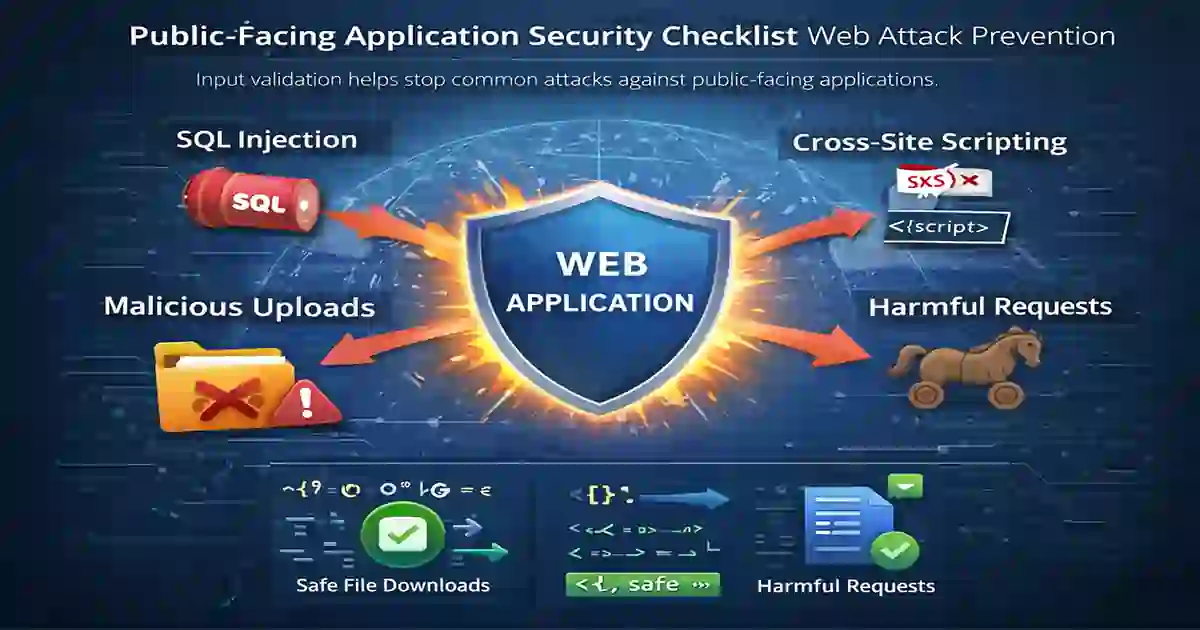
Any public-facing system receives untrusted input. That is why input validation belongs near the top of a public-facing application security checklist.
Review protections against:
- SQL injection
- cross-site scripting
- command injection
- path traversal
- insecure file uploads
- malicious request payloads
Use parameterized queries, strict input validation, safe file handling, and output encoding. If you want another internal supporting link here, use Secure AI System Development Checklist, which is live and relevant to security-by-design themes.
6. Harden Servers, Containers, and Hosting Environments
Application security is not only about code. Infrastructure and hosting matter too. A complete public-facing application security checklist should review:
- unnecessary open ports
- unused services
- insecure remote administration
- poor production and staging separation
- weak firewall rules
- plaintext secrets
- over-privileged service accounts
- insecure container defaults
A well-coded application can still be compromised if the environment is weak.
7. Apply Security Headers
Security headers are simple but valuable controls. They should appear in every public-facing application security checklist for websites and browser-facing applications.
Important examples include:
- Content-Security-Policy
- Strict-Transport-Security
- X-Frame-Options
- X-Content-Type-Options
- Referrer-Policy
- Permissions-Policy
These controls help reduce browser-side attack exposure.
8. Secure APIs and Web Services
Modern applications rely heavily on APIs, so API security must be part of a strong public-facing application security checklist.
Review:
- authentication on sensitive endpoints
- authorization checks at record level
- request validation
- rate limiting
- token protection
- safe error messages
- suspicious API activity logging
- secure handling of keys and secrets
APIs should never expose unnecessary data, internal details, or debugging information in production.
9. Restrict Admin Panels and Sensitive Paths
Not everything should be visible from the public internet. A strong public-facing application security checklist should reduce unnecessary exposure wherever possible.
Review whether you are exposing:
- admin dashboards
- debug routes
- backup folders
- database consoles
- old management interfaces
- staging sites
- internal documentation
- setup or install files
Where possible, protect these areas using VPN access, allowlisting, identity-based controls, or stronger authentication.
10. Enable Logging and Monitoring
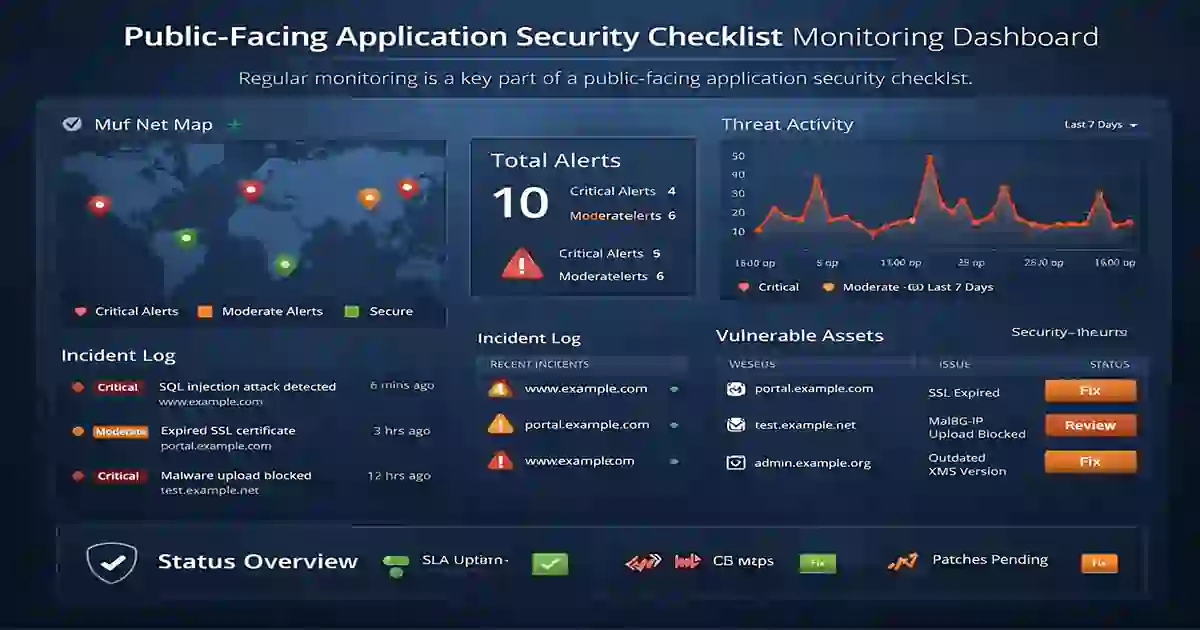
You cannot protect what you cannot see. That is why visibility is a core part of a public-facing application security checklist.
Track events such as:
- failed logins
- account lockouts
- password reset abuse
- suspicious request paths
- rate-limit triggers
- admin actions
- API abuse
- traffic spikes
- firewall and WAF events
Fast detection matters because suspicious requests, login abuse, and traffic anomalies are often the first signs of compromise.. That article is already on your site and closely matches this topic.
11. Use a Web Application Firewall
A web application firewall can strengthen your public-facing application security checklist by adding another layer of defense.
A WAF may help with:
- blocking common exploit patterns
- filtering malicious payloads
- rate limiting abusive traffic
- virtual patching during urgent risk windows
- reducing automated bot abuse
Many organizations use a web application firewall to block suspicious traffic and strengthen protection around public-facing applications. Web Application Firewall.
12. Back Up Systems and Test Recovery
A practical public-facing application security checklist should include resilience and recovery, not only prevention.
Review:
- backup coverage
- backup frequency
- encryption status
- offsite or isolated copies
- restore testing
- recovery objectives
- configuration backup coverage
Backups are only useful if restoration actually works during an incident.
13. Run Vulnerability Scans and Penetration Tests
Public systems should be tested regularly because exposure changes over time. Your public-facing application security checklist should include recurring validation through:
- external vulnerability scans
- dependency scanning
- manual configuration review
- external attack surface assessment
- penetration testing
- secure code review where possible
Organizations can strengthen internet-facing application security by aligning internal controls with widely used guidance from OWASP, CISA, and NIST.
14. Review Third-Party Integrations
Many public-facing applications depend on external vendors, scripts, widgets, APIs, and services. These create additional exposure and should be reviewed carefully.
Assess:
- business necessity
- permissions granted
- vendor reputation
- patch history
- data access scope
- breach response practices
- update reliability
Every unnecessary third-party integration increases risk.
15. Build an Incident Response Plan
Even well-defended systems can still be attacked. A mature public-facing application security checklist includes a clear incident response process.
Your plan should define:
- who investigates first
- how systems are isolated
- how evidence is preserved
- who approves communication
- when legal or compliance teams are involved
- how root cause analysis is documented
- what improvements are required before restoring service
Response teams should also review related cyber incident disclosure requirements when aligning internal escalation, legal review, and external reporting processes.
Best-Practice Resources
For readers who want deeper technical background, the guidance in this article can be compared with established references from OWASP, NIST, and CISA.
- OWASP Top 10
- OWASP Web Security Testing Guide
- NIST Cybersecurity Framework
- CISA Secure by Design
- Transport Layer Security
- Web Application Firewall
Final Thoughts
A strong public-facing application security checklist helps organizations secure websites, APIs, dashboards, portals, and other internet-exposed systems more consistently. Start with asset inventory, authentication, patching, exposure reduction, monitoring, and backup readiness. Then improve testing, API security, third-party review, and incident response maturity over time.
For better internal site structure, this article should link to your existing content such as Cyber Security Tools and Resources, How to Reduce Cybersecurity Detection Time, Secure AI System Development Checklist, and SEC Cyber Incident Disclosure Checklist. Those pages are already published on Cybersecurity Time.