Okta Security Checklist: 12 Steps to Reduce Takeover Risk
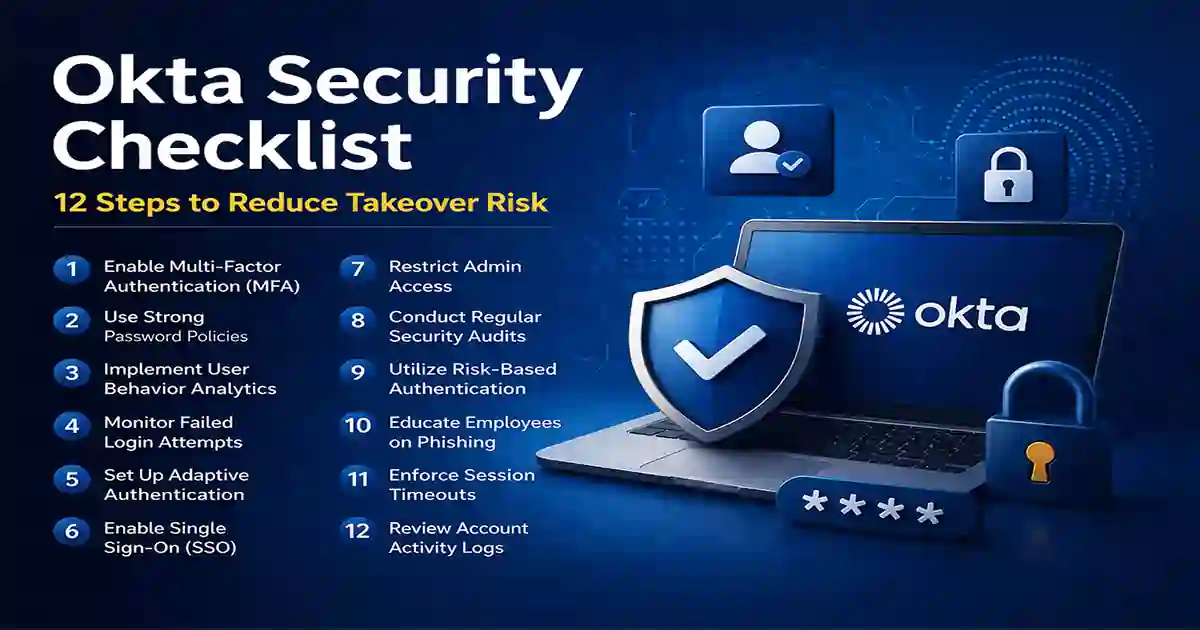
Identity attacks are now a major part of modern cyber risk. This Okta Security Checklist explains how organizations can reduce identity takeover risk by strengthening authentication, limiting privileged access, improving visibility, and tightening sign-on policies. Since Okta is widely used for identity and access management, security teams need a practical checklist that goes beyond basic setup and focuses on hardening real-world access paths. Okta is commonly described as an identity and access management company, and identity and access management itself refers to the policies and tools used to control who gets access to systems and data.
A strong Okta Security Checklist matters because identity takeover is no longer limited to a stolen password. Attackers now rely on phishing pages, MFA fatigue, weak recovery settings, stale permissions, and compromised admin accounts. That is why modern identity security should combine strong authentication, policy controls, monitoring, and user awareness. For readers who want broader context, your site already has a useful guide on cybersecurity best practices.
Table of Contents
Why an Okta Security Checklist Matters
An effective Okta Security Checklist helps reduce the most common paths to identity compromise. Weak login controls, broad administrator access, poor recovery workflows, and missing alerts can turn a single compromised account into a larger business incident. Since identity and access management is built around verifying users and controlling access, security teams need to review both authentication strength and access governance on a regular basis. Identity and access management is a useful background reference for readers who want the concept explained in simple terms.
For internal SEO, this is a good place to naturally link to your article on Cybersecurity Best Practices, because identity security is one of the most important parts of a broader security baseline.
1) Enforce Phishing-Resistant MFA
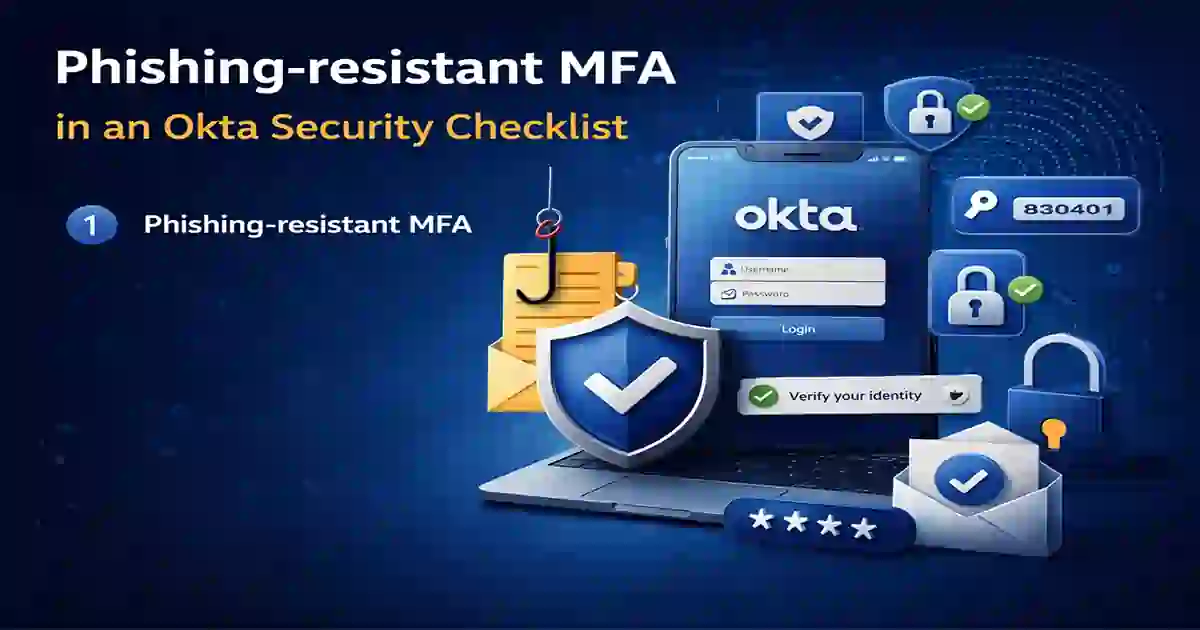
The first step in any Okta Security Checklist is strengthening MFA. Multi-factor authentication means requiring more than one verification factor, but not every MFA method offers the same level of protection. SMS-based authentication is still common, yet phishing-resistant methods are generally stronger against fake login pages and prompt-based attacks. That is why it makes sense to reference your internal article on Passkeys vs MFA vs SMS 2FA, which already explains these differences in practical terms.
What to do
- Require MFA for all users
- Prioritize phishing-resistant methods where possible
- Reduce dependence on weak SMS-only flows
- Enforce stronger MFA for admins and high-risk users
2) Limit Super Admin Access
A practical Okta Security Checklist should reduce unnecessary super admin privileges. If too many accounts hold powerful roles, one compromised identity can create much wider exposure. Administrative access should always be stricter than normal user access, and high-privilege roles should be reviewed on a regular schedule.
This section also supports an internal link to your Microsoft 365 and Entra hardening checklist, because both topics deal with identity governance, privileged access, and cloud security hardening.
What to do
- Apply least-privilege access
- Separate admin accounts from daily-use accounts
- Require stronger authentication for admin roles
- Review privileged roles regularly
3) Review Sign-On Policies
Sign-on policies are one of the most valuable parts of an Okta Security Checklist. Poorly scoped access rules may allow risky sessions, unmanaged devices, or weak authentication paths to reach sensitive systems. Strong policy design should match authentication strength to the risk of the user, device, location, and application.
Because some readers may be unfamiliar with Okta itself, you can reference Okta naturally here as background context rather than dropping the link awkwardly into a random sentence.
What to do
- Review old sign-on rules
- Require stronger checks for sensitive apps
- Add step-up authentication when risk increases
- Reassess third-party and remote access policies
4) Secure Password and Recovery Workflows
Password reset and account recovery are often overlooked in identity security. A strong Okta Security Checklist should review whether recovery methods are too weak, whether account changes trigger verification, and whether self-service flows are secure enough for high-risk users.
What to do
- Remove weak recovery options
- Require additional verification before credential changes
- Review self-service reset settings
- Notify users when recovery settings are changed
5) Use Adaptive Authentication Controls
Adaptive authentication strengthens an Okta Security Checklist by reacting to risky login conditions instead of treating every sign-in the same way. New devices, suspicious locations, and unusual behavior should trigger stronger verification or access restrictions.
What to do
- Trigger stronger verification on unusual logins
- Review access from new devices
- Restrict risky network zones or regions
- Add friction when behavior looks suspicious
6) Monitor Suspicious Login Activity
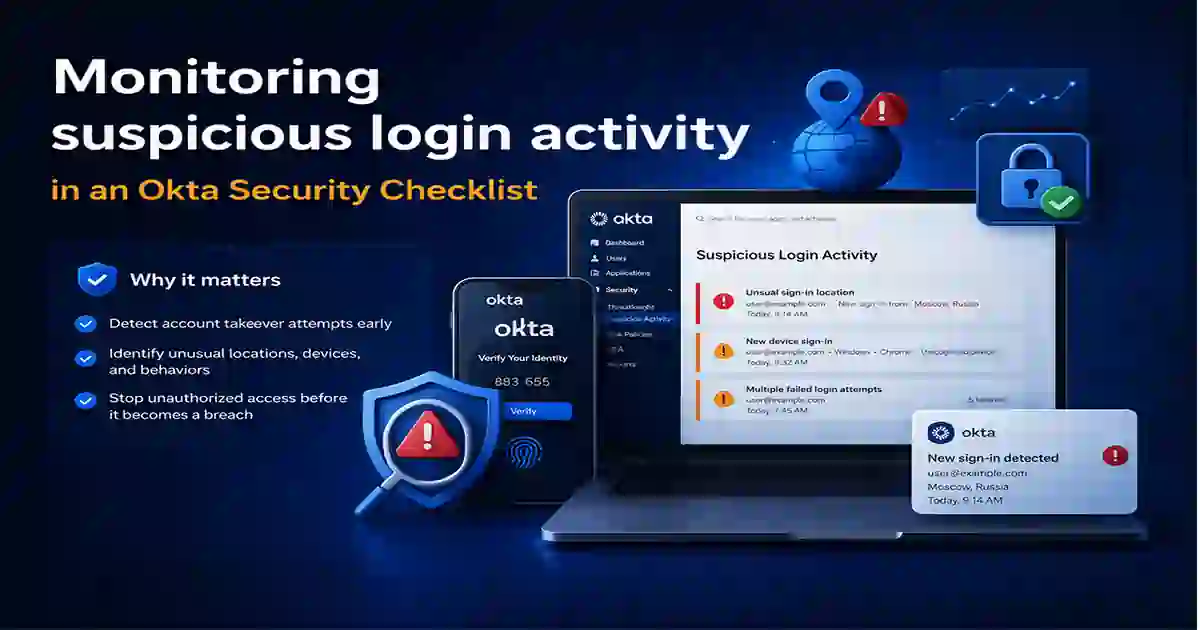
A complete Okta Security Checklist is not only about prevention. It also requires visibility. Security teams should watch for repeated failed sign-ins, sudden location changes, repeated MFA prompts, unusual account changes, and admin activity that does not match normal patterns. Since phishing often leads to suspicious login behavior, this section also connects naturally to user-awareness and login monitoring.
This is also the right place to add internal links to Reduce Cybersecurity Detection Time and your Board-Level Cybersecurity Metrics Guide, because detection speed and executive visibility both affect how much damage an identity incident can cause.
What to do
- Alert on repeated failed sign-ins
- Review impossible travel and strange location changes
- Monitor repeated MFA prompts
- Watch for privilege changes and unusual admin behavior
- Escalate suspicious identity events quickly
7) Restrict Access by Device and Location
Device trust and location awareness should be part of any mature Okta Security Checklist. Sensitive apps should not always be equally accessible from every device, country, or network. Even if a login appears valid, the surrounding context still matters.
What to do
- Restrict sensitive apps to trusted devices
- Review access by network zone or region
- Require stronger checks for new devices
- Block obviously risky access attempts
8) Protect Privileged Accounts
Privileged accounts deserve special treatment because they can alter policies, grant access, and expose critical systems. In any Okta Security Checklist, privileged identities should have stronger controls, shorter access windows, and better monitoring than ordinary accounts.
This section pairs naturally with your internal guide on Microsoft 365 and Entra hardening, since both topics focus on reducing identity-based exposure in cloud environments.
What to do
- Create dedicated admin accounts
- Use stronger MFA for privileged users
- Reauthenticate privileged sessions more often
- Increase logging for admin actions
- Review privileged access frequently
9) Review App Integrations and Federation
Third-party apps, APIs, and federation relationships expand the identity attack surface. A complete Okta Security Checklist should include a review of connected apps, stale integrations, old trust relationships, and excessive permission scopes.
What to do
- Remove outdated integrations
- Review excessive permissions
- Audit app access for inactive users
- Reassess federation trust relationships
10) Automate User Lifecycle Management
User lifecycle management is one of the most practical items in an Okta Security Checklist. Many identity risks exist simply because stale accounts, old roles, or ex-employee access are not removed quickly enough. Automation helps close those gaps faster and more consistently.
What to do
- Automate role-based provisioning
- Disable access quickly for departed users
- Review dormant accounts regularly
- Remove unnecessary group memberships
- Audit contractor and vendor access
11) Audit Logs and Incident Response
Auditability is essential in an Okta Security Checklist. If an identity incident occurs, the security team should be able to determine which account was involved, what changed, when it happened, and how quickly the issue was contained.
This section is a natural fit for internal links to your Board-Level Cybersecurity Metrics Guide and Cybersecurity Best Practices, because incident response is not only technical — it is also operational and measurable.
What to do
- Retain critical identity logs
- Alert on policy and admin changes
- Feed identity alerts into incident response
- Test escalation and investigation workflows
12) Train Users Against Phishing
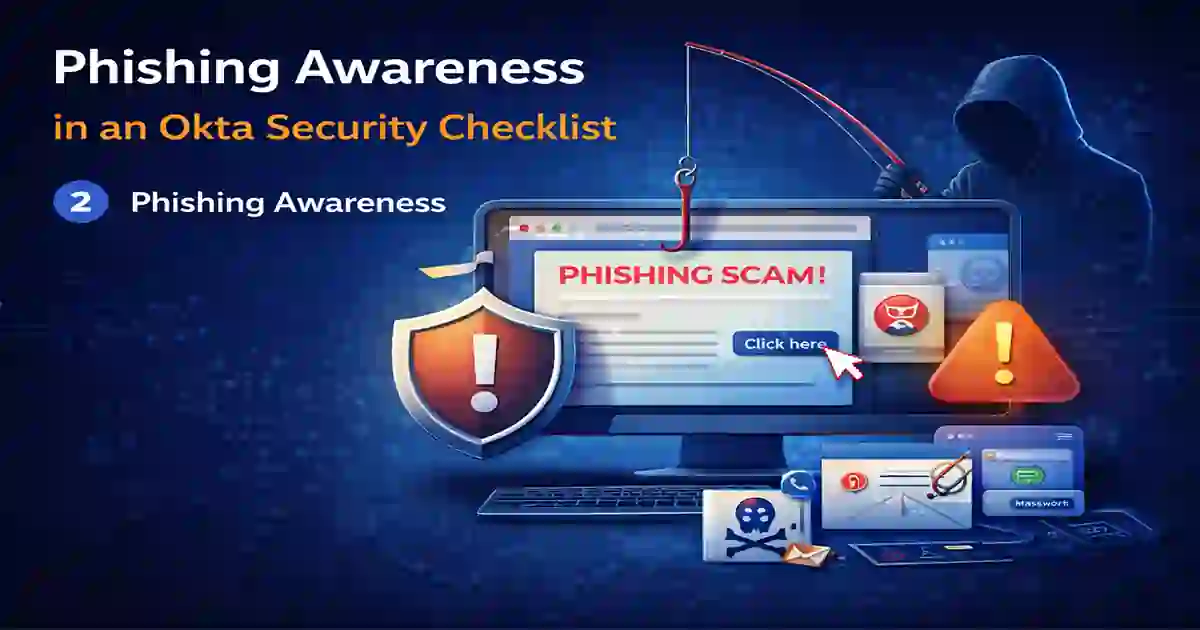
Even the best Okta Security Checklist can fail if users accept malicious prompts or enter credentials into fake portals. That is why user awareness still matters. Phishing remains one of the most common ways attackers steal access, and training users to recognize suspicious login pages is still an essential defense.
You can also link again to your internal article on Passkeys vs MFA vs SMS 2FA, because it supports the point that stronger authentication reduces the impact of stolen credentials.
What to do
- Train users to spot fake login pages
- Explain MFA fatigue and push bombing
- Encourage fast reporting of unusual prompts
- Reinforce safe password manager habits
Final Takeaway
This Okta Security Checklist gives organizations a practical way to reduce identity takeover risk through stronger MFA, tighter admin governance, better sign-on policies, stronger monitoring, and better phishing awareness. The Wikipedia links work best when they are used naturally as background reading for terms like Okta, MFA, IAM, and phishing, while your internal links should stay focused on practical security guidance that keeps readers on your site.