Microsoft 365 and Entra hardening checklist for 2026: Best
Microsoft 365 and Entra hardening checklist for 2026 should be a priority for any organization that relies on Microsoft identities, email, collaboration, and cloud administration. In 2026, hardening Microsoft 365 is not just about enabling MFA. It means reducing identity risk, tightening Conditional Access, shrinking admin exposure, hardening email and collaboration, and using Microsoft’s own posture recommendations to prioritize the next security improvements. Microsoft’s current guidance points organizations toward Secure Score, Conditional Access planning, Entra role best practices, and recommended Defender for Office 365 settings as core building blocks.
This Microsoft 365 and Entra hardening checklist for 2026 is designed to help security teams reduce identity risk, tighten admin controls, and improve cloud security posture step by step. For broader context, readers can move from this guide into Cybersecurity Time’s Cybersecurity News Today homepage or the site’s recent Passkeys vs MFA vs SMS 2FA: 7 Critical Facts article, which supports the authentication sections of this checklist.
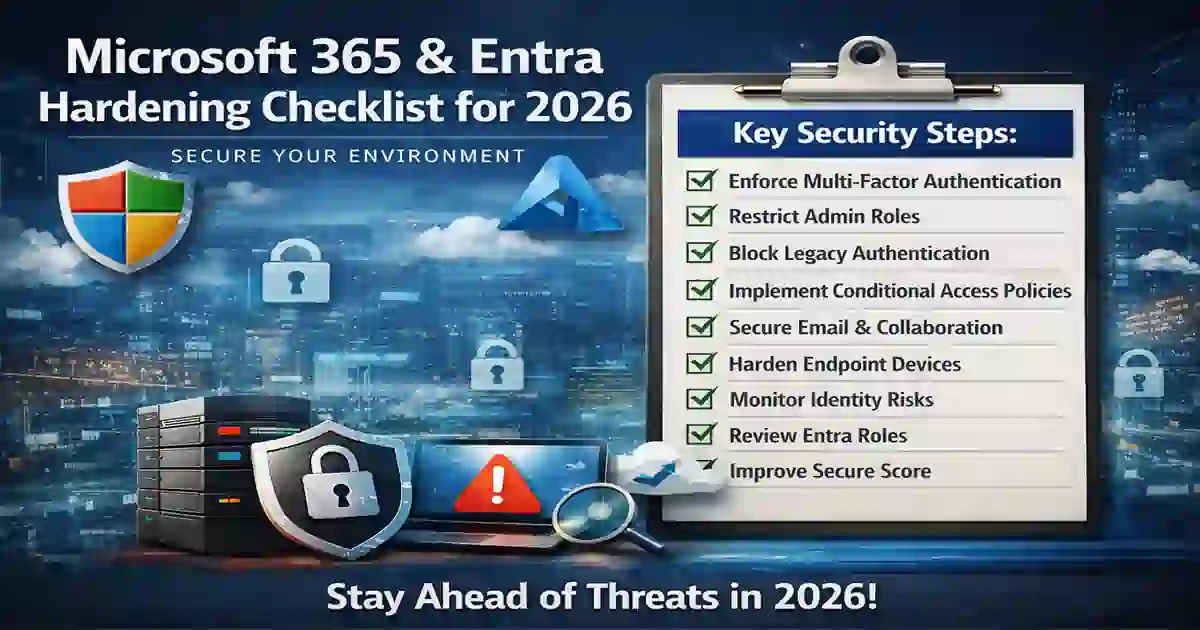
Table of Contents
Why Microsoft 365 and Entra hardening matters in 2026
A Microsoft 365 tenant often sits at the center of email, files, collaboration, and endpoint access, while Microsoft Entra ID controls identity and access across cloud resources. When those control points are weak, the blast radius can be large.
Microsoft’s Conditional Access guidance says policies should be planned carefully because they combine signals like user, device, and location to automate access decisions. Microsoft’s Secure Score guidance also frames posture improvement as an ongoing process, not a one-time project. That is why a Microsoft 365 and Entra hardening checklist for 2026 works best as a practical checklist rather than a generic opinion piece.
This topic also fits naturally with your existing site structure. Readers who want more general security context can continue into Cybersecurity Best Practices, while teams focused on visibility can also read How to Reduce Cybersecurity Detection Time: 7 Proven Steps.
Microsoft 365 and Entra hardening checklist for 2026
When building a Microsoft 365 and Entra hardening checklist for 2026, the smartest approach is to start with identity, then move to privileged access, email and collaboration security, device trust, and continuous monitoring. Microsoft Secure Score is useful here because Microsoft positions it as a way to assess and improve security posture through prioritized improvement actions.
1. Require stronger authentication for all admins
Admin accounts should be treated differently from standard user accounts. Microsoft’s common Conditional Access policy guidance includes requiring MFA for administrators, and Microsoft’s Entra role best practices emphasize minimizing highly privileged access over time. In practical terms, Microsoft 365 and Entra hardening checklist for 2026 should start with stronger admin authentication, fewer privileged accounts, and tighter control over fallback sign-in methods.
This is a natural place to link internally to Passkeys vs MFA vs SMS 2FA: 7 Critical Facts, because phishing-resistant authentication matters most on high-value admin accounts.
2. Build Conditional Access before you expand exceptions
Microsoft says Conditional Access needs planning because poorly designed policies can create lockouts or leave weak coverage behind. A strong 2026 baseline usually includes policies for administrators, risky sign-ins, risky users, legacy-auth blocking, and device-aware access decisions where appropriate. A real Microsoft 365 and Entra hardening checklist for 2026 should treat Conditional Access as access architecture, not a few scattered toggles.
3. Block legacy authentication
Blocking legacy authentication remains one of the fastest risk-reduction steps in Entra because older protocols can bypass newer controls. Microsoft still lists blocking legacy authentication among common Conditional Access policy patterns, which is a strong sign that this remains one of the highest-value hardening actions in Microsoft cloud environments. Microsoft 365 and Entra hardening checklist for 2026 is incomplete if legacy authentication is still enabled.
4. Review Entra roles and remove standing privilege
Microsoft’s best practices for Entra roles recommend limiting highly privileged accounts and using recurring access reviews to revoke unneeded permissions over time. That means Microsoft 365 and Entra hardening checklist for 2026 should include role cleanup, narrower privilege scope, and periodic review instead of simply adding more controls on top of old privilege sprawl.
5. Use Secure Score as a prioritization tool, not just a dashboard
Microsoft Secure Score is useful because it turns posture gaps into recommended actions across identities, apps, devices, and data. Teams should not treat it as a vanity number, but they should use it to identify high-impact improvements already mapped to Microsoft’s own recommendation model. For many organizations, Microsoft 365 and Entra hardening checklist for 2026 becomes much easier to execute when Secure Score is used to rank the next best actions.
6. Apply Microsoft’s recommended email protection settings
Microsoft Defender for Office 365 guidance recommends baseline and stricter settings for anti-phishing, Safe Links, Safe Attachments, and related email protections. Because email remains a common entry point for attackers, Microsoft 365 and Entra hardening checklist for 2026 should always include mail flow and anti-phishing review. For readers who want a simple background explainer, this section also pairs well with email security.
7. Tighten collaboration security in SharePoint, OneDrive, and Teams
Hardening does not stop at Exchange. Microsoft’s current posture model increasingly extends into collaboration services, safer sharing, and stronger protection for collaboration content. Organizations that secure sign-in but leave sharing settings wide open often end up with an uneven posture. A strong Microsoft 365 and Entra hardening checklist for 2026 should include external sharing review, link governance, and collaboration access controls.
8. Govern groups, guest access, and direct assignments
Microsoft’s best-practice guidance supports structured access management and review rather than unmanaged direct assignment everywhere. Direct assignment can work, but it becomes harder to govern over time. This section also benefits from a simple external explainer on access control, especially for readers newer to identity-governance language.
9. Harden device trust requirements for sensitive access
Conditional Access becomes much stronger when organizations distinguish between unmanaged and managed devices. Microsoft’s planning guidance specifically highlights signals like user, device, and location in access decisions. In practice, Microsoft 365 and Entra hardening checklist for 2026 should not assume every sign-in is equal just because the user completed MFA once.
10. Review app targeting inside Conditional Access
Many environments have Conditional Access policies, but the wrong resources are targeted or the exclusions are too broad. Microsoft’s policy documentation reflects how important application scoping is in real deployments. A practical Microsoft 365 and Entra hardening checklist for 2026 should include a review of which apps, resources, and user groups each policy actually covers.
11. Monitor identity risk and policy impact continuously
Microsoft’s risk and policy guidance makes clear that sign-in risk, user risk, reporting, and policy impact all need recurring review. Hardening is not a one-time setup project. It is an operating model. That is why Microsoft 365 and Entra hardening checklist for 2026 should include continuous monitoring and regular policy validation.
This section pairs naturally with your internal guide How to Reduce Cybersecurity Detection Time: 7 Proven Steps, because better visibility shortens the gap between a control failure and a response.
12. Keep Microsoft 365 Apps baselines current
Microsoft’s security baseline updates matter because many organizations harden identity and email but forget the client and app baseline layer. A complete Microsoft 365 and Entra hardening checklist for 2026 should include recurring baseline review alongside identity and email controls. Microsoft’s own baseline and posture guidance supports that broader approach.
Common mistakes teams still make
The most common mistake is treating MFA as the finish line. It is not. Conditional Access design, role governance, legacy-auth blocking, collaboration security, and Secure Score-driven remediation all matter too. Microsoft’s documentation spreads these responsibilities across Entra, Defender, and Microsoft 365 guidance, which is one reason many organizations implement only fragments of the full model.
Another common mistake is overusing permanent admin rights. Microsoft’s Entra role best practices explicitly push organizations toward tighter privilege hygiene and recurring review. That is why Microsoft 365 and Entra hardening checklist for 2026 should be treated as a living control framework, not a one-time setup task.
For broader defensive guidance across identity and operations, this section also supports an internal link to Cybersecurity Best Practices, which is already live on your site.
Final thoughts
The best Microsoft 365 and Entra hardening checklist for 2026 starts with identity and admin controls, then expands into email, collaboration, device trust, monitoring, and baselines. Microsoft’s current documentation makes the direction clear: use Secure Score to prioritize, plan Conditional Access carefully, reduce standing privilege, apply recommended email protections, and keep posture improvements moving over time.