
Vendor Risk • Compliance • Supply Chain Security
Vendor Risk Quick Assessment Tool
Assess third-party vendor security maturity, privacy readiness, supply-chain exposure, and onboarding priority in minutes.
Assessment result
Vendor Risk Result
Decision
Inherent exposure
Control maturity
Review priority
Top risk flags
Evidence to request
Recommended next steps
Compliance focus for selected market
Plain-language guidance
This quick assessment is informational. It supports vendor screening and public education, but it does not replace legal, privacy, procurement, insurance, or professional security advice. Keep final evidence in your own vendor risk register.
Vendor Risk Quick Assessment Tool: 7 Powerful Safety Checks
Vendor Risk Quick Assessment Tool helps you check whether a vendor, supplier, SaaS platform, freelancer, agency, software provider, cloud service, or business partner is safe enough to trust before you share sensitive data, give account access, or sign a contract.
Most businesses now depend on third parties. You may use one vendor for hosting, another for email marketing, another for payments, another for payroll, and another for customer support. This makes work easier, but it also creates a serious security question:
Can this vendor protect your data, customers, accounts, and business reputation?
The Vendor Risk Quick Assessment Tool helps answer that question in a simple way. It gives you a quick vendor security score, highlights weak areas, and shows what you should ask before approval. You do not need to be a cybersecurity expert. The goal is to help normal business owners, website owners, agencies, startups, compliance teams, and IT managers make safer vendor decisions.
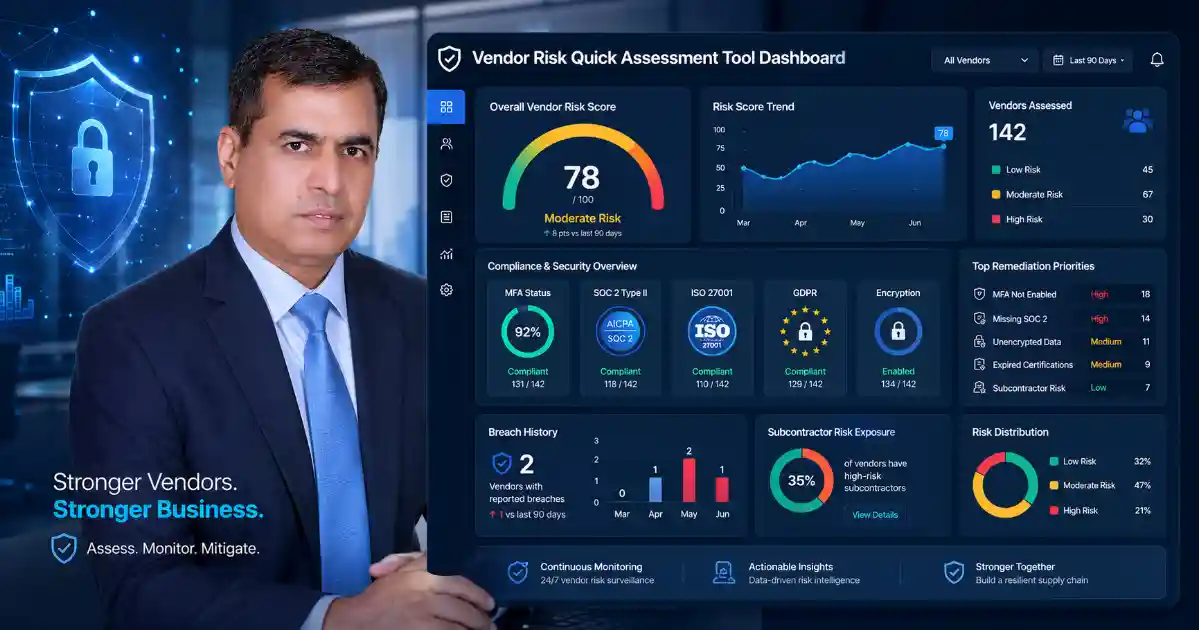
What is the Vendor Risk Quick Assessment Tool?
The Vendor Risk Quick Assessment Tool is a practical third-party security questionnaire that helps you review supplier risk before you trust an outside company with access, data, systems, or customer information.
It checks important vendor security areas such as:
- Multi-factor authentication
- SOC 2 or ISO 27001 evidence
- Breach history
- Data encryption
- Logging and monitoring
- Backup and recovery readiness
- Incident response
- Privacy controls
- Subcontractor and subprocessor risk
- Access control and admin account protection
Instead of giving you a confusing compliance document, the tool gives a clear result. You can use the score to decide whether a vendor looks safe, needs more evidence, requires management review, or should not be approved yet.
This makes the Vendor Risk Quick Assessment Tool useful for both technical and non-technical users.
Why Vendor Risk is a Public Problem
Vendor risk is not only a large-enterprise problem. It affects small businesses, freelancers, schools, online stores, agencies, healthcare providers, nonprofits, consultants, and website owners.
A small business may trust a marketing agency with website access. An e-commerce store may trust a payment provider with customer transactions. A clinic may trust a software platform with patient information. A school may trust a cloud service with student records. If the vendor has weak security, the customer may still suffer the damage.
A risky vendor can cause:
- Data leaks
- Account compromise
- Website takeover
- Customer privacy issues
- Payment disruption
- Ransomware exposure
- Legal stress
- Compliance problems
- Business downtime
- Loss of customer trust
The Vendor Risk Quick Assessment Tool helps prevent blind trust. It gives users a clear way to ask better questions before a vendor gets access.
Who Should Use This Vendor Risk Quick Assessment Tool?
You should use the Vendor Risk Quick Assessment Tool before choosing or renewing any vendor that can access your data, systems, website, customer records, payments, accounts, documents, or business operations.
This includes:
- SaaS platforms
- Web hosting providers
- Cloud storage services
- Payment processors
- Email marketing tools
- CRM platforms
- IT support companies
- Cybersecurity vendors
- Payroll and HR tools
- Accounting software
- Customer support platforms
- Freelancers with admin access
- Web developers
- Marketing agencies
- Analytics and tracking services
- E-commerce plugins and apps
If a third party can touch your business data or login systems, you should check its security before approval.
What the Tool Checks
The Vendor Risk Quick Assessment Tool checks vendor maturity across practical security areas that matter in real business decisions.
It looks at whether the vendor uses MFA, has security evidence, protects sensitive data, monitors suspicious activity, manages subcontractors, responds to incidents, and can recover from outages or attacks.
The tool is especially helpful for users in premium markets such as the United States, United Kingdom, Canada, Australia, New Zealand, Germany, France, Netherlands, Switzerland, Ireland, Sweden, Norway, Denmark, Singapore, UAE, and the wider European Union because these markets often care about privacy, supplier due diligence, cyber insurance, business continuity, and regulatory expectations.
7 Powerful Vendor Safety Checks
1. Check Multi-Factor Authentication
A trustworthy vendor should use multi-factor authentication, especially for admin accounts, cloud dashboards, support portals, developer accounts, and systems that store sensitive data.
If a vendor only depends on passwords, risk is higher. Passwords can be stolen through phishing, malware, credential leaks, weak password reuse, or social engineering.
User action: Ask the vendor whether MFA is required for all privileged accounts.
2. Check SOC 2 or ISO 27001 Evidence
Security evidence helps prove that a vendor has formal controls. Common examples include SOC 2 reports, ISO 27001 certificates, security whitepapers, penetration test summaries, and information security policies.
A vendor that handles important business or customer data should be able to explain its security controls clearly. ISO/IEC 27001 is widely used as an international information security management standard, and NIST supply-chain guidance focuses on identifying, assessing, and reducing supplier cybersecurity risk.
User action: Ask for SOC 2 Type II, ISO 27001, or another security evidence document.
3. Check Breach History
A past breach does not automatically mean a vendor is unsafe forever. What matters is whether the vendor was transparent, fixed the weakness, improved controls, and notified affected customers properly.
A vendor that avoids breach-history questions should be reviewed carefully.
User action: Ask whether the vendor has experienced a security incident in the last three years and what improvements were made.
4. Check Data Encryption
Encryption helps protect sensitive information when it is stored and when it travels between systems. This is important for personal data, financial records, customer accounts, confidential files, source code, login information, and business documents.
A vendor should be able to explain encryption in simple terms. If the vendor cannot explain how data is protected, that is a warning sign.
User action: Ask whether data is encrypted in transit and at rest.
5. Check Logging and Monitoring
Logging helps detect unusual activity, unauthorized access, suspicious account behavior, and possible security incidents. Without logs, it may be difficult to understand what happened after a breach.
Monitoring is especially important for SaaS vendors, cloud platforms, payment services, hosting companies, and vendors with admin access.
User action: Ask whether the vendor monitors suspicious access and keeps audit logs.
6. Check Backup and Recovery
If a vendor suffers ransomware, system failure, accidental deletion, or cloud outage, it should have a recovery plan. A vendor that cannot recover quickly may create downtime for your business.
Backup and recovery are not only technical issues. They directly affect revenue, customer trust, and service availability.
User action: Ask how often backups are performed and how quickly services can be restored.
7. Check Subcontractor and Subprocessor Controls
Many vendors depend on other vendors. These are often called subcontractors, subprocessors, or fourth parties. If your vendor sends data to another company, you should know who that company is and how risk is controlled.
For personal data, GDPR Article 28 includes processor and subprocessor obligations, including controls around engaging another processor.
User action: Ask for a subprocessor list and notification process for changes.
Vendor Risk Score Meaning
The Vendor Risk Quick Assessment Tool gives a simple risk result so users can take action quickly.
Low Risk
The vendor appears to have reasonable security controls. You may still need normal business approval, contract review, or privacy review, but there are no major warning signs.
Medium Risk
The vendor has some good controls, but important evidence may be missing. Ask for more documentation before approval.
High Risk
The vendor may create serious security, privacy, or operational risk. Do not approve without review from IT, legal, compliance, or management.
Critical Risk
The vendor should not receive sensitive data, admin access, or business-critical permissions until major security gaps are fixed.
Vendor Evidence Checklist
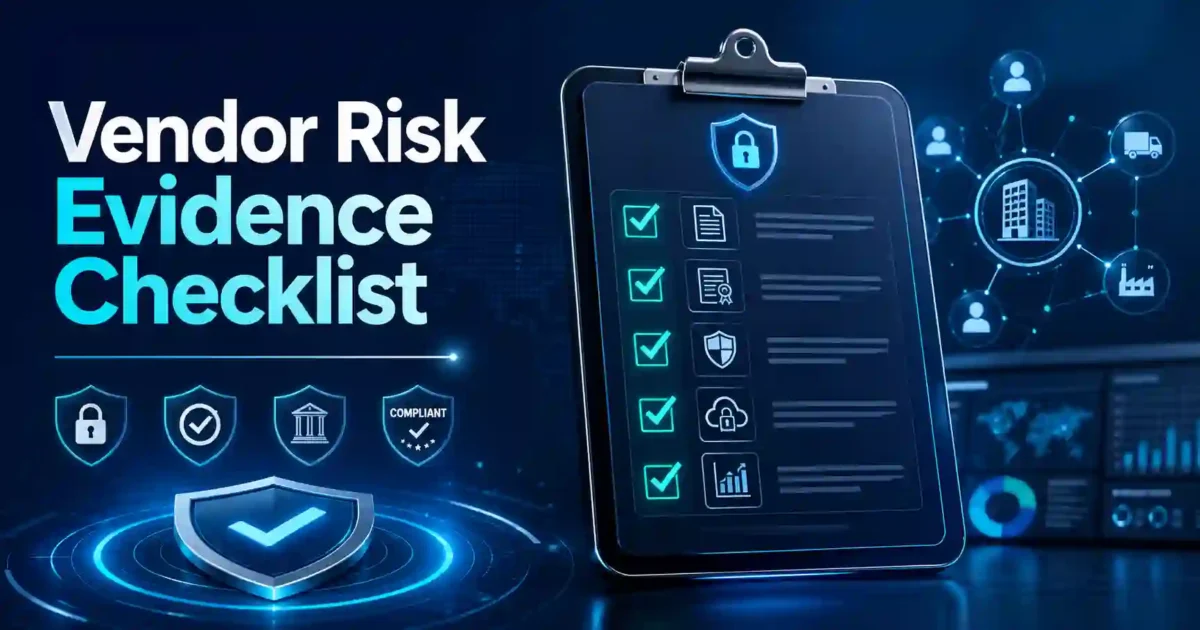
Before approving a vendor, ask for useful evidence. This protects your business and helps you make a better decision.
Ask for:
- SOC 2 Type II report
- ISO 27001 certificate
- Security policy summary
- Privacy policy
- Data Processing Agreement
- Subprocessor list
- MFA policy
- Encryption statement
- Access control policy
- Backup and disaster recovery summary
- Incident response plan
- Breach notification process
- Vulnerability management summary
- Penetration test summary
- Data retention and deletion policy
A strong vendor should not hide basic security information. If the vendor refuses to answer reasonable questions, slow down before approval.
Vendor Red Flags You Should Not Ignore
Be careful if a vendor:
- Does not use MFA
- Cannot provide security evidence
- Refuses to answer breach-history questions
- Has no incident response process
- Cannot explain encryption
- Uses unknown subcontractors
- Has unclear data storage locations
- Requests unnecessary admin access
- Has no backup or recovery process
- Has no privacy policy
- Has unclear contract terms
- Cannot explain how your data is deleted after cancellation
These signs do not always mean the vendor is dangerous, but they do mean you should ask more questions before sharing data or access.
International Compliance Considerations
The Vendor Risk Quick Assessment Tool is designed for practical global use. It can support early vendor review for businesses working across the US, UK, Canada, Australia, Europe, UAE, Singapore, and other high-value markets.
For EU and UK users, vendor review is closely connected to privacy, data processing, subcontractor controls, and supplier oversight. For financial-sector users in the EU, DORA focuses on ICT third-party risk and operational resilience oversight.
For UK users, the NCSC supply-chain guidance recommends understanding supplier risks, establishing control, checking arrangements, and continuously improving supply-chain security.
The tool does not replace legal advice or a full audit. It helps users identify early risk, ask better questions, and decide whether a vendor needs deeper review.