
Email Breach Checker
Check whether an email address appears in known public data breaches and get clear recovery steps.
What does an email breach result mean?
A breach result means the email address appeared in a known public data breach or exposed dataset checked by the configured breach service. It does not always mean someone can access your account today, but it does mean you should review passwords, enable two-factor authentication, and watch for phishing attempts.
How to use this tool
- Enter the email address you want to check.
- Read the risk score, exposed data types, and breach details.
- Follow the recovery checklist immediately if passwords, financial data, phone numbers, or identity data appear.
- Use the copy button to save the result for your personal security checklist.
Result explanation
No known breach found means the checked database did not return a match. It is not a guarantee that the email was never exposed. Breaches found means you should treat the email as public and protect every account that used the same or similar password.
What to do if your email was exposed
- Change reused passwords immediately. Use a unique password for every important account.
- Enable two-factor authentication on email, banking, social media, cloud storage, and work accounts.
- Be careful with urgent emails, fake login pages, refund scams, and password reset messages.
- If financial or identity data was exposed, monitor bank statements and consider identity-protection steps available in your country.
FAQ
Do you store the email address?
No. This plugin does not store submitted email addresses. If caching is enabled, only a hashed cache key is stored temporarily.
Is a clean result a guarantee?
No. A clean result only means the checked breach database did not return a match at the time of the check.
What is k-anonymity mode?
The plugin hashes the email address and sends only the first 6 hash characters to the breach API, then locally checks whether the full hash matches the returned suffix list.
Should I change every password?
Change passwords that were reused, weak, or connected to affected services. Also enable two-factor authentication on important accounts.
Email Breach Checker: 7 Powerful Account Safety Steps
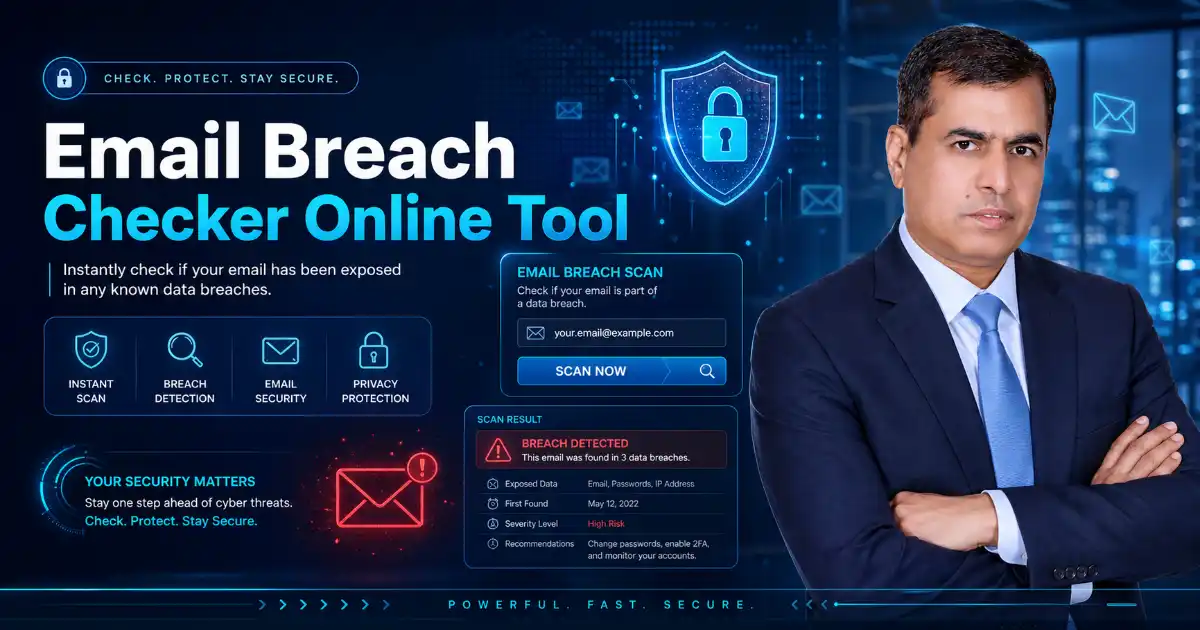
Email Breach Checker helps you check whether your email address appears in known public data breaches. Enter your email, check the result instantly, and understand what the result means for your online safety.
This tool is free to use, free and publicly accessible, and is designed for a fast, mobile-friendly experience. After checking your email, you can use the Copy result button to save the report or share it with your security team.
What is an Email Breach Checker?
An Email Breach Checker is a cybersecurity tool that checks whether an email address has appeared in known data breach records. A breach may expose information such as email addresses, passwords, usernames, phone numbers, IP addresses, dates of birth, or other personal details.
This tool is useful because many users do not know when their email has been exposed. Sometimes a breach happens years ago, but attackers still use the leaked information for phishing, spam, credential stuffing, or fake login pages.
A good result should not only say “found” or “not found.” It should also explain the risk, show what type of data may be exposed, and guide the user on what to do next.
How to Use This Email Breach Checker
Using this Email Breach Checker is simple:
- Enter your email address in the tool above.
- Click Check Email.
- Wait for the result.
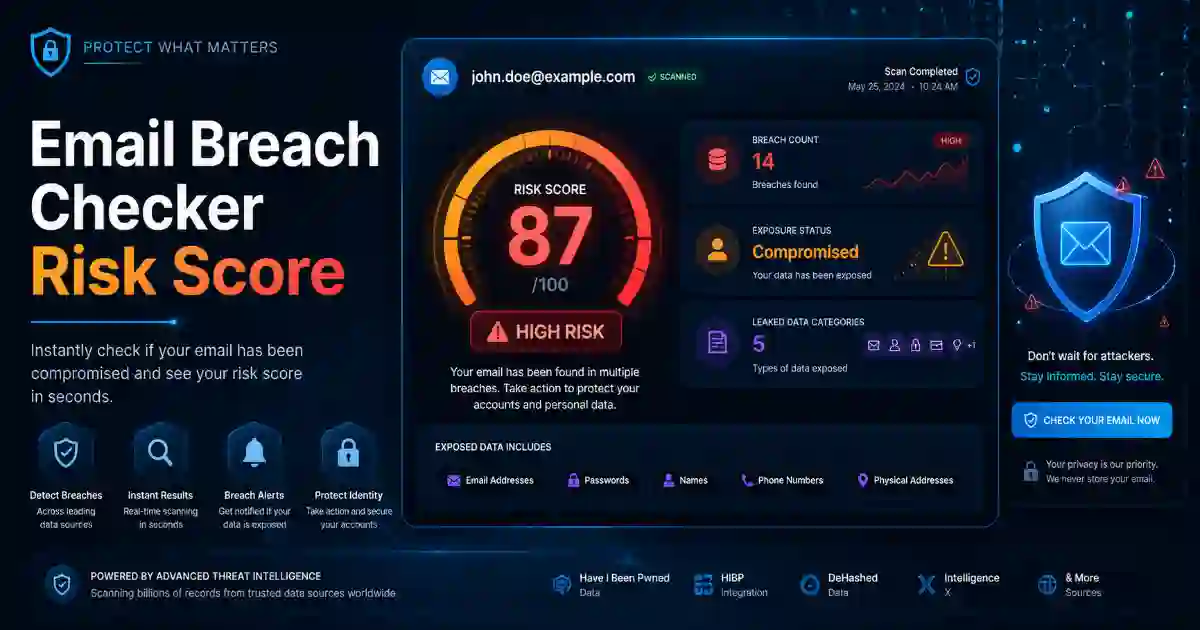
- Review the risk score and exposed data types.
- Read the recovery steps carefully.
- Click Copy result if you want to save the report.
Do not enter passwords, bank details, private notes, security codes, or recovery phrases. This tool only needs an email address.
What the Result Means
No Known Breach Found
If the result says No known breach found, it means the checked breach database did not return a matching record for your email address.
This is a good sign, but it does not mean your email is guaranteed to be safe forever. New breach records can appear later, and not every breach is publicly known.
You should still use strong passwords, enable two-factor authentication, and stay alert for suspicious emails.
Breach Found
If the Email Breach Checker finds your email in a breach, read the result carefully. The result may show the breach name, breach date, exposed data types, and risk level.
A breach involving only an email address may be lower risk. A breach involving passwords, phone numbers, financial data, or security questions is more serious and needs quick action.
High or Critical Risk
If the result shows high or critical risk, change reused passwords immediately. Secure your email account first because your email is often used to reset passwords for other services.
What to Do If Your Email Was Exposed
Start by changing the password on the affected service. Then change the same or similar password everywhere else you used it.
Use a strong, unique password for every account. You can create one with the Password Generator.
Enable two-factor authentication on important accounts, especially email, banking, social media, cloud storage, hosting, and work accounts.
Watch for phishing emails. If you receive suspicious links, check them first with the URL Safety Checker.
If your business email is exposed, also check your domain email security using the DMARC SPF DKIM Checker.
Why Email Breach Checking Matters
Your email address is connected to many important accounts. If it appears in a breach, attackers may try to use it against you.
They may send fake password reset messages, fake delivery alerts, fake bank warnings, invoice scams, or login pages that look real. If an old password was exposed, they may also try that password on other websites.
This is why an Email Breach Checker should be more than a simple lookup tool. It should help users understand the result and take action quickly.
Privacy and User Safety
We do not store your input.
This page is designed to support user privacy and public trust. The tool should be placed at the top of the page so users can get help immediately. The explanation below the tool helps users understand the result without confusion.
For the best user experience, the page should remain fast, clean, and mobile-friendly. Avoid heavy scripts, unnecessary popups, and distracting layouts. Real users care about speed, clarity, privacy, and useful next steps.
Example: How to Use This Tool
Example email:
name@example.comAfter checking, the result may show:
Status: Breach found
Risk level: High
Exposed data: Email address, password, username
Recommended action: Change reused passwords and enable two-factor authentication
This means the email appeared in a known breach record. If password data was exposed, you should change the affected password and any reused passwords immediately.
Related Cybersecurity Tools
Use these tools to improve your online safety:
- Password Generator — Create strong passwords and passphrases.
- URL Safety Checker — Check suspicious links before opening them.
- DNS Lookup Tool — Check DNS records and email-related DNS settings.
- SSL Certificate Checker — Check HTTPS and SSL certificate issues.
- Security Headers Checker — Review website browser security headers.
- WHOIS RDAP Lookup Tool — Check domain ownership, registrar, and expiry details.
- Hash Generator — Generate MD5, SHA-1, SHA-256, SHA-512, and HMAC hashes.
- Base64 Encoder Decoder — Encode and decode Base64 text online.
Trusted External Resources
You can add these external links for user trust and extra learning:
Have I Been Pwned API Documentation
NCSC: Recovering a Hacked Account
Google: Creating Helpful, Reliable, People-First Content
FAQ
Is this Email Breach Checker free?
Yes. This Email Breach Checker is free to use and does not require login.
Do you store my email address?
No. We do not store your input.
Does a clean result mean my email is completely safe?
No. A clean result means no match was found in the checked database. It does not guarantee that your email was never exposed anywhere.
What should I do if my email was found in a breach?
Change reused passwords, enable two-factor authentication, review email recovery settings, and watch for phishing emails.
Should I change all my passwords?
You should change any password that was reused, weak, old, or connected to an affected service.
Can I check a business email?
Yes. You can check a business email, but organizations should also use security monitoring, employee training, password policies, and multi-factor authentication.
Can this tool remove my email from a breach?
No. A checker cannot remove data from a breach. It helps you understand the risk and take steps to protect your accounts.
Final User-Friendly Closing
An Email Breach Checker gives users a clear starting point after a security concern. If your email was exposed, take action calmly: change reused passwords, enable two-factor authentication, review your email settings, and stay alert for phishing. If no known breach is found, continue using strong security habits and check again after major breach news.