
Free Cybersecurity Tool
URL Safety Checker
Check suspicious links from email, SMS, social media, QR codes, marketplaces, and login pages before you click.
How to use this tool
- Paste the full link or a message that contains a link.
- Click Check URL and review the risk score, warning signals, and next steps.
- Do not enter passwords, payment details, or recovery codes if the result shows suspicious, high-risk, or dangerous signals.
What the result means
Low risk means no obvious visible URL warning signs were found. Suspicious or high risk means the link has patterns often used in phishing, scams, redirects, impersonation, fake delivery messages, or malware downloads. No checker can guarantee a URL is 100% safe.
Best for public safety needs
Use it before opening links from QR codes, SMS messages, email alerts, online marketplace chats, social media posts, crypto wallet messages, bank notices, job offers, file-sharing links, and delivery tracking pages.
Privacy-first design
We do not store your input. Local analysis runs inside your WordPress site. External reputation checks only run when the site owner enables them, and when consent is required, the visitor chooses it.
Risk signals this checker reviews
FAQ
Can this tool prove that a link is safe?
No. It checks visible URL risk signals and optional reputation matches. A clean result means no obvious warning signs were detected at the time of checking, not a guarantee.
Why should I check QR-code links?
QR codes hide the destination until scanned. Scammers can use QR codes to send users to fake login, payment, delivery, or malware pages.
Do you store submitted URLs?
We do not store your input. The plugin does not create database records for submitted URLs. Rate limiting uses a temporary salted IP hash, not the submitted link.
Why does a short link show as suspicious?
Short links are common and not always malicious, but they hide the final destination. They deserve extra caution when received in email, SMS, social media, or QR codes.
What should I do with a dangerous result?
Do not open the link, do not download files, and do not enter passwords or payment details. Visit the official website manually or contact the company through a trusted channel.
The tool should include:
- URL input box
- Check button
- Risk score result
- Clear warning explanation
- “Copy result” button
- Privacy note: We do not store your input.
URL Safety Checker
Check suspicious links before you open them.
Paste any URL into this free URL Safety Checker to review possible phishing, scam, malware, redirect, and fake website warning signs.
Fast, mobile-friendly, and easy to use.
What is a URL Safety Checker?
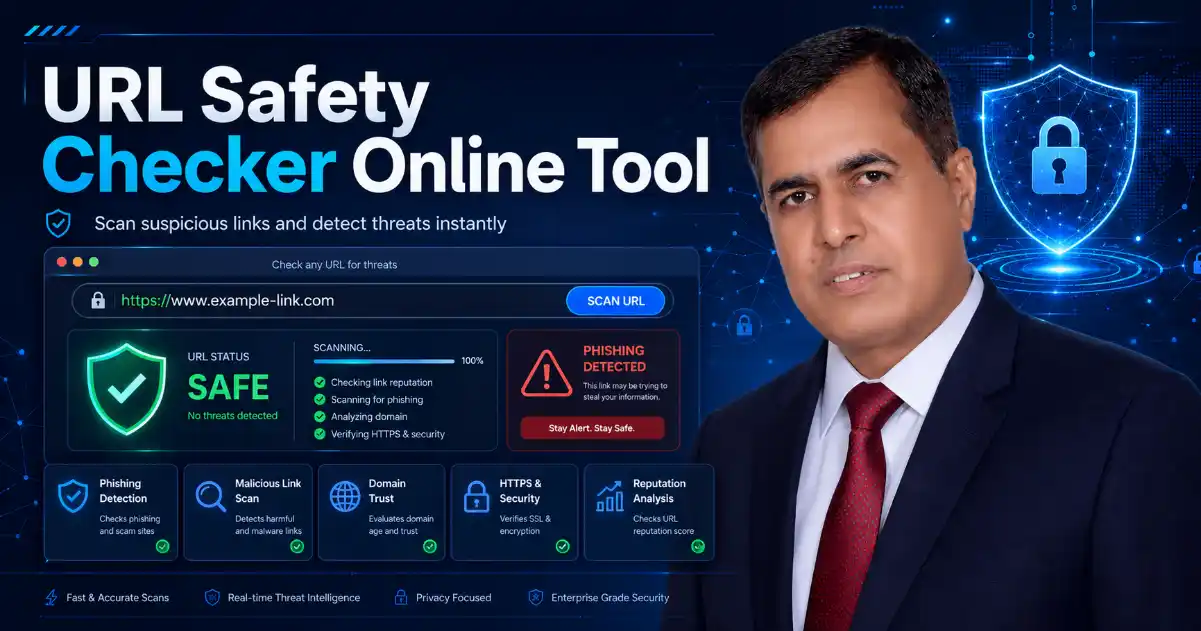
A URL Safety Checker is an online tool that helps users check a suspicious website link before clicking it. Many scam links look normal, but they can lead to pages, phishing websites, malware downloads, payment scams, or unsafe redirects.
This tool gives users a quick safety review and explains what the result means in simple language. It is useful for links received through email, SMS, WhatsApp, Telegram, Facebook, Instagram, X, online ads, QR codes, and unknown websites.
The goal is simple: help users avoid unsafe links before they share passwords, payment details, or personal information.
How to Use This URL Safety Checker
Using this tool is simple:
- Copy the suspicious link.
- Paste it into the URL Safety Checker.
- Click the check button.
- Review the risk score and warning details.
- Use the Copy result button if you want to save or share the report.
You can use this tool before opening links from delivery messages, bank alerts, social media messages, job offers, online stores, QR codes, or unknown senders.
What This Tool Checks
This URL Safety Checker reviews common warning signs that may appear in unsafe links, including:
- HTTP links instead of HTTPS
- Short links such as bit.ly, t.co, tinyurl, and similar services
- Very long or confusing URLs
- IP address based links
- Too many subdomains
- Strange characters or encoded text
- Redirect parameters
- verification words
- Payment, refund, wallet, delivery, or urgent keywords
- Risky file downloads such as
.exe,.apk,.zip,.js, or.scr - Possible brand impersonation
- QR code scam style links
These checks help normal users understand whether a link deserves extra caution.
What the Result Means
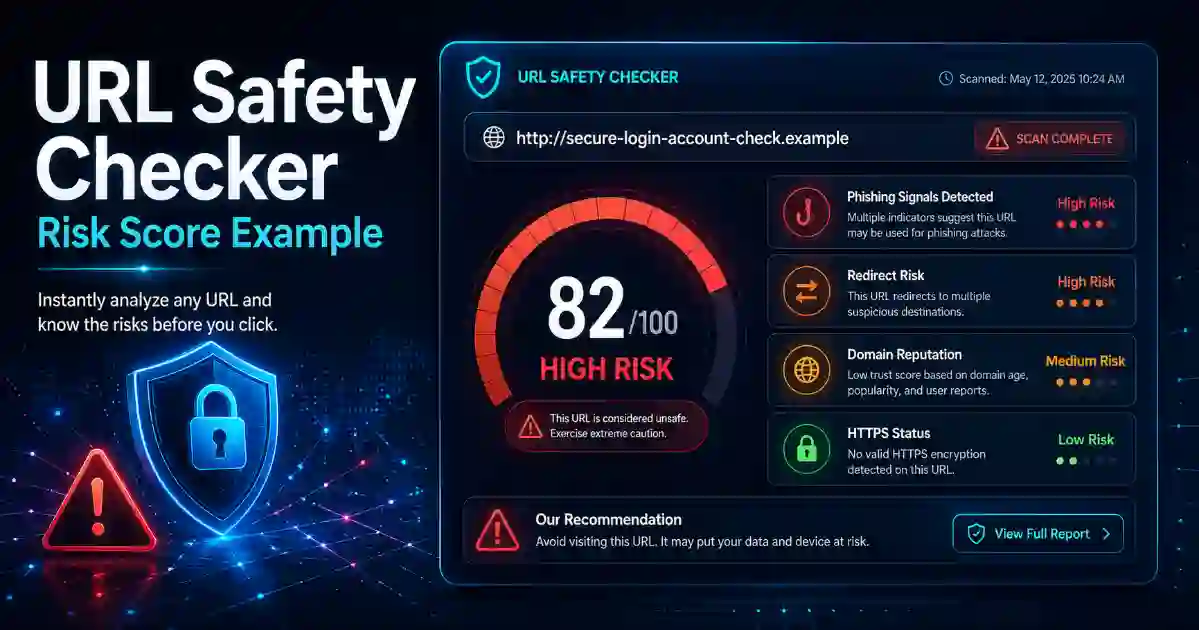
The result is not only an output. It explains the meaning behind the warning signs.
Low Risk
The link does not show obvious suspicious signs. This does not guarantee the website is fully safe, but the visible URL looks cleaner.
Suspicious
The link has one or more warning signs. Review the details carefully before opening it.
High Risk
The link shows multiple risky signals. Avoid entering passwords, card details, personal data, or business access information.
Dangerous
The link may be connected to phishing, scams, malware, unsafe redirects. It is better not to open the link.
A good safety tool should never say a URL is 100% safe. A better message is: “No obvious risk signals found” or “Suspicious signals detected.”
Why Checking Links Matters
Scammers often use links to trick users because links are easy to hide inside messages, emails, social media posts, and QR codes. A message may look like it came from your bank, delivery company, online store, cloud account, or social media platform.
Common scam messages may say:
“Your account will be blocked.”
“Your package is waiting.”
“Verify your payment now.”
“You won a prize.”
“Your password will expire today.”
These messages are designed to make users act quickly. A URL Safety Checker helps users pause, check, and make a safer decision.
Examples: When to Use This Tool
Use this URL Safety Checker when:
- You receive a link from an unknown sender.
- A message asks you to verify your account.
- A delivery message asks for payment.
- A bank alert looks unusual.
- A QR code opens an unknown website.
- A short link hides the final destination.
- A page asks you to download an unknown file.
- A crypto message asks you to connect your wallet.
- A job offer link asks for personal documents too early.
- A website address looks misspelled or strange.
Checking the link first can help prevent password theft, payment fraud, identity theft, and malware infection.
Related Cybersecurity Tools
Use these related tools to improve your online safety and website security:
- DNS Lookup Tool — Check DNS records for a domain.
- DNS Propagation Checker — Check DNS updates worldwide.
- WHOIS RDAP Lookup Tool — Review domain registration details.
- SSL Certificate Checker — Check SSL certificate status and expiry.
- Security Headers Checker — Review website security headers.
- Password Generator — Create strong passwords and passphrases.
- Hash Generator — Generate hash and checksum results.
- Base64 Encoder Decoder — Encode and decode Base64 text.
- What Is My IP Address — Check your public IP address.
External Safety Resources
For more online safety guidance, users can also visit:
FAQ
Is this URL Safety Checker free?
Yes. This URL Safety Checker is free to use and does not require public access.
Does this tool store my URL?
No. We do not store your input.
Can this tool guarantee a link is 100% safe?
No. No online tool can honestly guarantee that every link is completely safe. This tool checks visible warning signs and explains possible risks.
Can I check links from WhatsApp, SMS, or email?
Yes. You can paste links from WhatsApp, SMS, Telegram, email, social media, online ads, QR codes, or websites.
Why are short links risky?
Short links can hide the final destination. They are not always dangerous, but they should be checked before opening, especially from unknown senders.
Is HTTPS always safe?
No. HTTPS means the connection is encrypted, but scam websites can also use HTTPS. Always check the full domain name and message context.
What should I do if the result says dangerous?
Do not open the link. Do not enter passwords, payment details, personal information, or one-time codes. Visit the official website manually instead.
Who should use this tool?
Anyone who receives links online can use it, including online shoppers, students, employees, freelancers, parents, website owners, and business teams.