
International AdSense readiness scanner
AdSense Approval & Policy Guard Pro
Scan public AdSense approval risks before you apply or request another review. The report highlights green, yellow, and red signals for Low Value Content, policy safety, trust pages, page experience, search-engine basics, and Europe/UK/Switzerland consent readiness.
Public demand solved
Users want a direct answer: why might my site be rejected, what evidence proves it, and what should I fix first?
Low Value Content focus
Checks thin pages, missing examples, weak result explanations, duplicate titles, missing FAQs, weak internal links, and missing trust signals.
International readiness
Checks privacy pages, cookie/consent signals, accessible UI, mobile viewport, HTTPS, and public-quality expectations for global users.
Developer-ready output
Copy the fix plan, download JSON/CSV, and hand the issues to your developer, content writer, or SEO team.
AdSense Policy Checker: Powerful Fixes to Avoid Rejection
AdSense Policy Checker Tool
Use the AdSense Policy Checker below to review your website before applying for Google AdSense. The tool checks common approval risks such as low-value content, missing trust pages, policy warnings, SEO issues, mobile usability problems, and user experience weaknesses.
Free public access
Fast and mobile-friendly
Privacy note: We do not store your input.
After scanning your website, use the Copy Result button to save your report and follow the recommendations step by step.
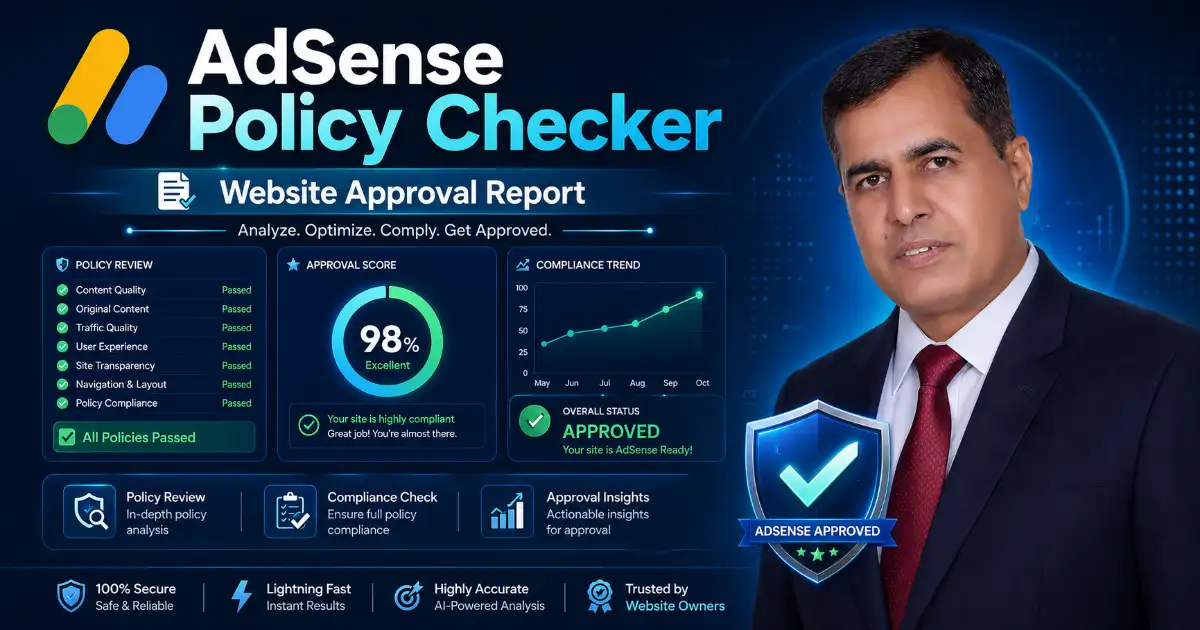
What is an AdSense Policy Checker?
An AdSense Policy Checker is a website readiness tool that helps publishers review whether their site may be ready for Google AdSense review. It does not guarantee approval because Google makes the final decision. Instead, it helps you find common problems before you apply.
A strong website should offer original content, useful information, clear navigation, transparent trust pages, and a good user experience. Google also reviews new sites to check whether they are ready to show ads and whether they follow AdSense Program policies.
This tool is useful for bloggers, news websites, cybersecurity websites, online tool websites, affiliate sites, small businesses, and new publishers who want a clear checklist before submitting a website for AdSense review.
The checker gives simple results:
Green: Your website looks good in this area.
Yellow: Your website needs improvement.
Red: This issue may create a serious approval or policy risk.
The best part is that the result does not only show an error. It explains what the problem means and how to fix it.
Why Websites Get Rejected by AdSense
Many websites are rejected because they apply too early. A website may look clean, but it can still have weak content, missing pages, confusing navigation, poor mobile layout, thin explanations, or risky wording.
Common AdSense approval problems include:
- Low-value content
- Thin pages with very little useful information
- Missing Privacy Policy, About Us, Contact Us, or Terms pages
- No clear navigation
- Poor mobile experience
- No explanation below online tools
- No internal links
- No trusted external links
- Invalid-click wording such as “click our ads”
- Unsafe or restricted content signals
- Ads placed too close to buttons, menus, forms, or download links
Google’s AdSense Program policies include rules about invalid clicks, encouraging clicks or views, traffic sources, ad behavior, ad placement, and site behavior.
That is why this AdSense Policy Checker is designed to review both content quality and policy risk.
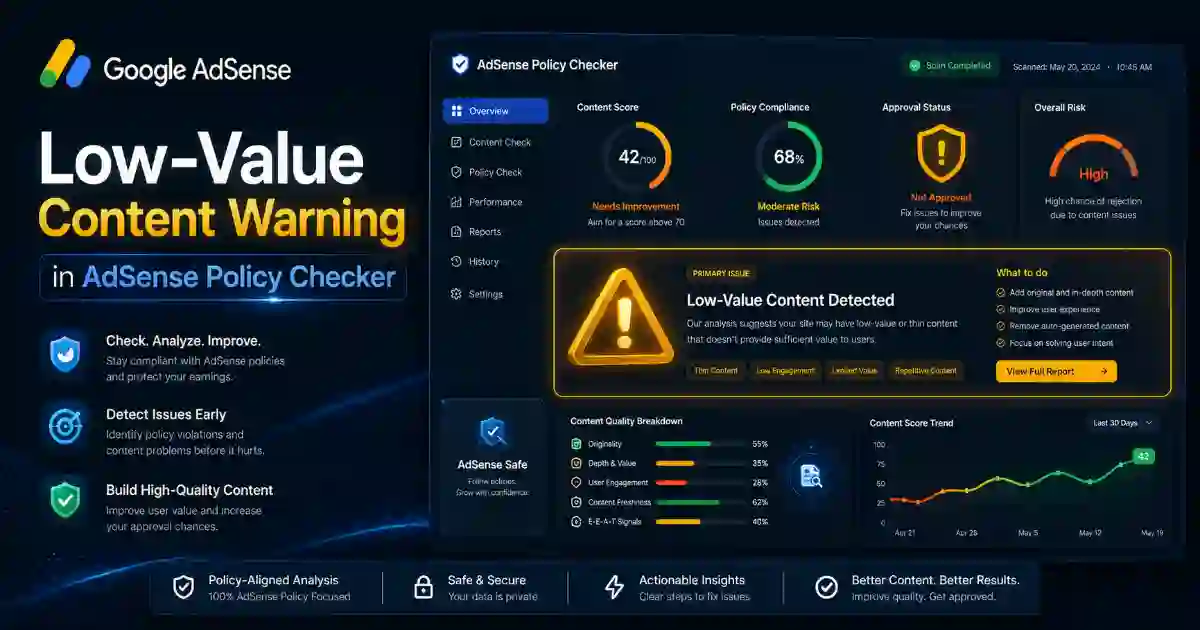
Low-Value Content: What It Means and How to Fix It
Low-value content is one of the most common AdSense problems. It usually means your page does not provide enough original, useful, or complete information for visitors.
A page may look weak if it has only a few lines of text, copied explanations, no examples, no FAQ section, no images, no internal links, or no clear answer to the user’s problem.
For example, if you create a tool page and only add the tool without explaining how it works, many users may leave quickly. A stronger page should include the tool near the top, followed by a clear guide, examples, result explanations, FAQs, and related tools.
To reduce low-value content risk, add:
- A clear introduction
- Helpful explanation below the tool
- A “How to use this tool” section
- A result explanation section
- FAQ section
- Related tools section
- Internal links to useful pages
- External links to trusted sources
- Images with proper alt text
- Privacy note
- Clear next steps for the user
Helpful, reliable, people-first content should solve a real user problem instead of existing only for search engines.
How to Use the AdSense Policy Checker
Using this AdSense Policy Checker is simple:
- Enter your website URL.
- Click the scan button.
- Wait for the report.
- Review your total readiness score.
- Fix all red warnings first.
- Improve yellow warnings next.
- Click Copy Result to save your fix plan.
- Update your website.
- Run the scan again before applying for AdSense.
The tool is designed for public users, so the report should be easy to understand. Beginners should not need advanced technical knowledge to know what to fix.
What the Result Means
A strong tool should not only show output. It should explain the result clearly so users know what each warning means and what action to take next.
Green Result
A green result means your website looks strong in that area. For example, your page may have a proper title, meta description, HTTPS, mobile viewport, and useful content.
Yellow Result
A yellow result means your website has some weaknesses. These issues may not be critical, but they should be improved before applying.
Example:
Issue: Missing FAQ section
Meaning: Users may still have unanswered questions after reading your page.
Fix: Add common questions and clear answers below the main content.
Red Result
A red result means the issue may create a serious approval or policy risk.
Example:
Issue: Invalid-click wording detected
Meaning: Your page may include wording that asks users to click ads or support the website through ad clicks.
Fix: Remove any phrase that encourages users to click advertisements.
Publishers should never ask users to click or view ads, and they should not use deceptive methods to increase clicks or views.
Important Checks Before Applying for AdSense
The AdSense Policy Checker should review the most important areas of your website.
Content Quality Checks
Your content should be original, helpful, and complete. Do not publish pages that only repeat basic information already available everywhere.
Check for:
- Useful introduction
- Original explanation
- Enough content depth
- Clear headings
- Examples
- FAQs
- Images or screenshots
- Helpful conclusion
- No keyword stuffing
Trust Page Checks
Before applying, your website should include important trust pages:
- Privacy Policy
- About Us
- Contact Us
- Terms and Conditions
- Cookie Policy
- Disclaimer
- Editorial Policy
- Copyright or DMCA page, if needed
Trust pages help users understand who owns the website, how data is handled, and how they can contact you.
SEO Checks
The page should include:
- Focus keyword in the SEO title
- Focus keyword in the meta description
- Focus keyword in the URL
- Focus keyword near the beginning of the content
- Focus keyword in at least one subheading
- Image alt text
- Internal links
- External links
- Table of contents
Use the focus keyword naturally. Do not force it into every sentence.
User Experience Checks
A good website should be easy to use on desktop and mobile. Core Web Vitals are real-world user experience metrics that focus on loading performance, interactivity, and visual stability.
Check for:
- Fast loading
- Mobile-friendly design
- Clear buttons
- Readable font size
- Short paragraphs
- No intrusive popups
- No confusing layout
- No broken navigation
- Clear tool result
- Copy Result button
A page that loads fast, looks clean, and solves the user’s problem has a better chance of keeping visitors engaged.
Policy Risk and Invalid-Click Warnings
Policy safety is one of the most important parts of AdSense readiness. Your website should never ask users to click ads.
Remove phrases such as:
- Click our ads
- Support us by clicking ads
- Click the advertisement
- Click ads to unlock content
- Visit sponsor ads to help us
Ad placement should not confuse users or generate accidental clicks. Ads should not be placed where users may mistake them for menus, navigation, forms, tool buttons, or download links.
The checker should also warn about risky content areas, including piracy, illegal downloads, adult material, gambling, drugs, weapons, fake documents, harmful hacking, misleading finance claims, and misleading health claims.
Related Tools
Use the DNS Lookup Tool to check domain DNS records.
Use the DNS Propagation Checker to check DNS updates worldwide.
Use the SSL Certificate Checker to check HTTPS and SSL certificate issues.
Use the Security Headers Checker to review website security headers.
Use the URL Safety Checker to check suspicious links before opening them.
Use the WHOIS RDAP Lookup Tool to check domain registration details.
Use the Email Breach Checker to check whether an email was exposed in known breaches.
Use the Password Generator to create strong passwords and passphrases.
Use the Hash Generator to create hashes and file checksums.
Use the DMARC SPF DKIM Checker to check email authentication records.
Use the What Is My IP Address Tool to check your public IP address.
External Resources
Use these official resources to understand AdSense rules, site quality expectations, ad placement safety, invalid traffic, SEO basics, and real user experience requirements.
Google AdSense Program Policies
Google explains that publishers must follow AdSense Program policies and Google Publisher Policies. These rules cover invalid clicks, traffic sources, ad behavior, ad placement, site behavior, and policy compliance.
Google AdSense Page Readiness Guide
Use this guide to understand how to prepare your site pages for AdSense. It focuses on unique content, relevant content, easy navigation, and good user experience.
Google AdSense Eligibility Requirements
Google explains that your content should be high-quality, original, and able to attract an audience before applying for AdSense.
Google Invalid Traffic Guide
This guide explains invalid traffic, including clicks or impressions that may artificially increase advertiser costs or publisher earnings.
Google Ad Placement Policies
Use this policy page to understand safe ad placement, accidental click prevention, misleading headings, and placement rules for ads.
Google SEO Starter Guide
This guide explains basic SEO and how to help search engines understand your content while keeping users in mind.
Google Core Web Vitals Documentation
Core Web Vitals measure real-world user experience for loading performance, interactivity, and visual stability.
Google Helpful, Reliable, People-First Content Guide
Use this guide to improve content quality, avoid search-engine-first writing, and create pages that genuinely help visitors.
Example Fix Plan
Here is an example of how the tool should explain a warning:
Issue: Low-value content risk
Status: Yellow
Meaning: Your page may not provide enough original explanation, examples, FAQs, or user guidance.
Recommendation: Add a helpful introduction, step-by-step guide, result explanation, FAQs, internal links, external references, and images with alt text.
Another example:
Issue: Invalid-click wording detected
Status: Red
Meaning: Your page may include wording that encourages users to click ads.
Recommendation: Remove any phrase that asks users to click advertisements. Keep ads separate from buttons, menus, forms, and download links.
This type of explanation solves the user’s real problem because it tells them exactly what to fix.
Final Checklist Before Applying for Google AdSense
Before you apply for AdSense, review your website carefully:
- The tool is near the top of the page.
- The main tool result is publicly accessible.
- The page loads fast on mobile and desktop.
- There is a Copy Result button.
- The page explains what the tool result means.
- The content is original and helpful.
- The page has at least one useful image.
- Images have alt text, title, caption, and description.
- The page includes FAQs.
- The page includes related tools.
- The page includes internal links.
- The page includes trusted external links.
- The website has Privacy Policy, About Us, Contact Us, and Terms pages.
- The page does not ask users to click ads.
- Ads are not placed near confusing buttons, forms, or download links.
- The website is mobile-friendly.
- The website uses HTTPS.
- The page is written for people, not only for search engines.
The AdSense Policy Checker helps publishers find low-value content, missing trust pages, SEO problems, policy risks, and user experience issues before applying.
No checker can promise AdSense approval. However, a website that is useful, transparent, safe, fast, and easy to use is stronger for visitors, search engines, and long-term monetisation.
FAQ
What is an AdSense Policy Checker?
An AdSense Policy Checker is a website readiness tool that checks common AdSense approval risks such as low-value content, missing trust pages, weak SEO, policy warnings, and user experience problems.
Can this tool guarantee AdSense approval?
No. Google makes the final decision. This tool helps you find and fix common issues before applying.
What is low-value content?
Low-value content means a page may not provide enough original, useful, or complete information for visitors. It may be too short, generic, copied, or missing helpful explanations.
Should the tool be near the top of the page?
Yes. Users should be able to use the tool quickly. Put the explanation, examples, FAQs, and related tools below the tool.
Should I add a Copy Result button?
Yes. A Copy Result button improves user experience because users can save the report and follow the fix plan later.
Does this tool store user input?
No. Add this clear privacy note near the tool: We do not store your input.
Should I add internal links?
Yes. Internal links help users find related tools and help search engines understand your website structure.
Should I add external links?
Yes. External links to official Google resources help users verify the rules and build trust.
What should I fix first?
Fix red warnings first. These usually include invalid-click wording, missing trust pages, unsafe content signals, HTTPS issues, and very thin content.